Blog
What's new in Kuro, one short post for every update.
RSS feed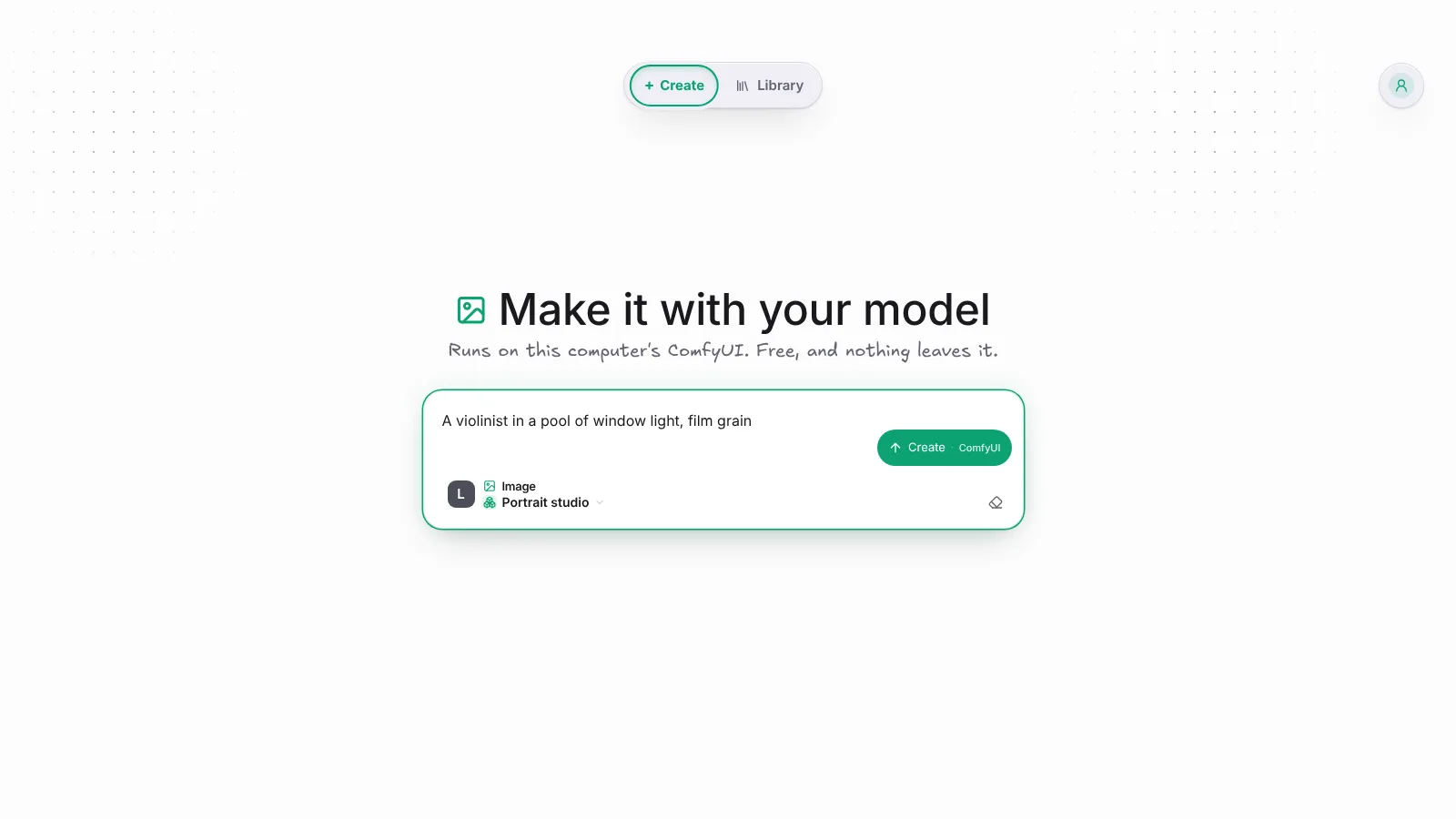 Run your ComfyUI workflows in Kuro DesktopKuro Desktop now runs workflows you import from ComfyUI on the ComfyUI on your own computer, free, without an account or a Comfy key.
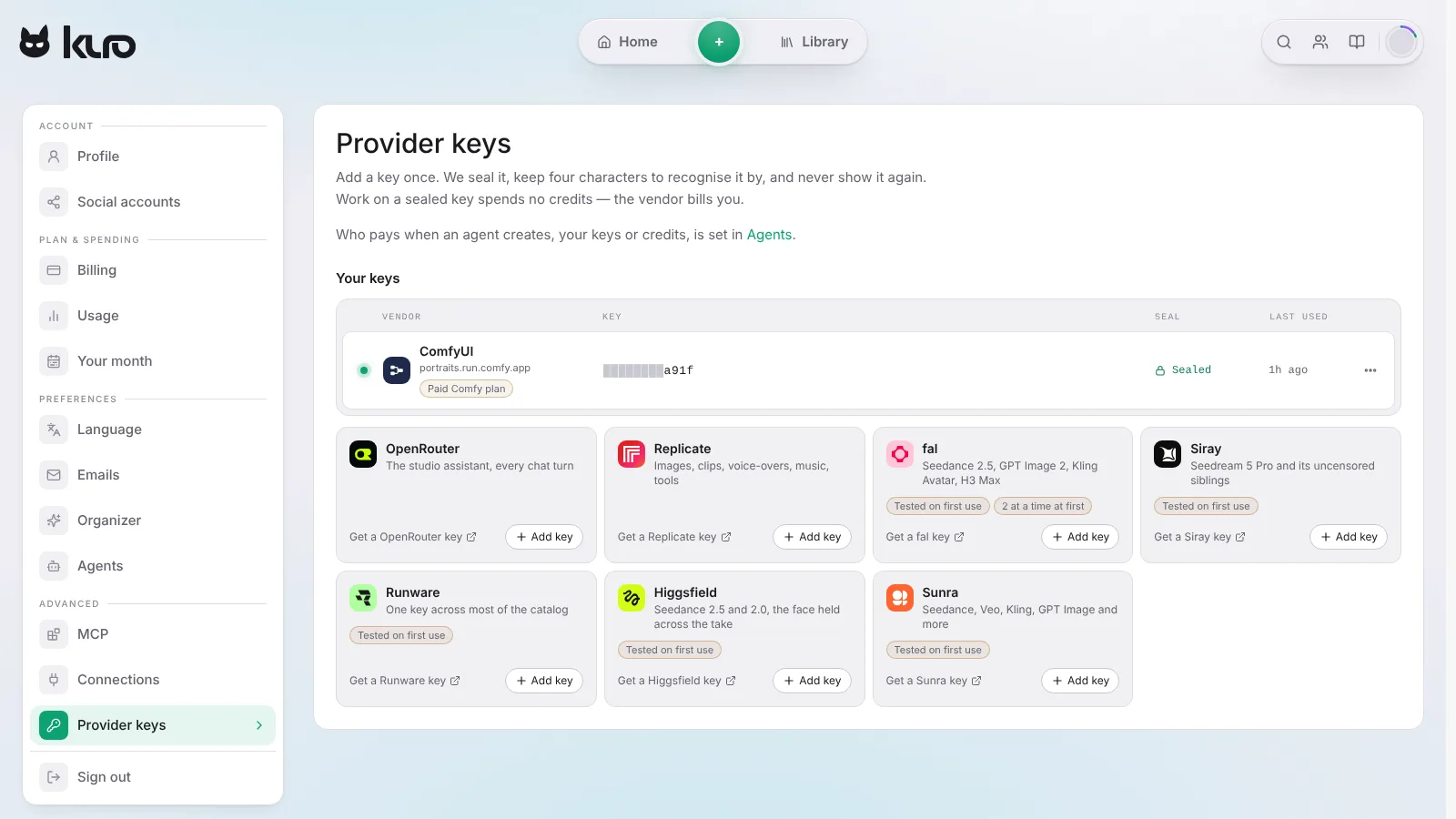 Run your ComfyUI workflows on your Comfy keyAdd your Comfy key, import a workflow from ComfyUI, and Kuro runs it on Comfy Cloud or your own deployment, billed by Comfy rather than in credits.
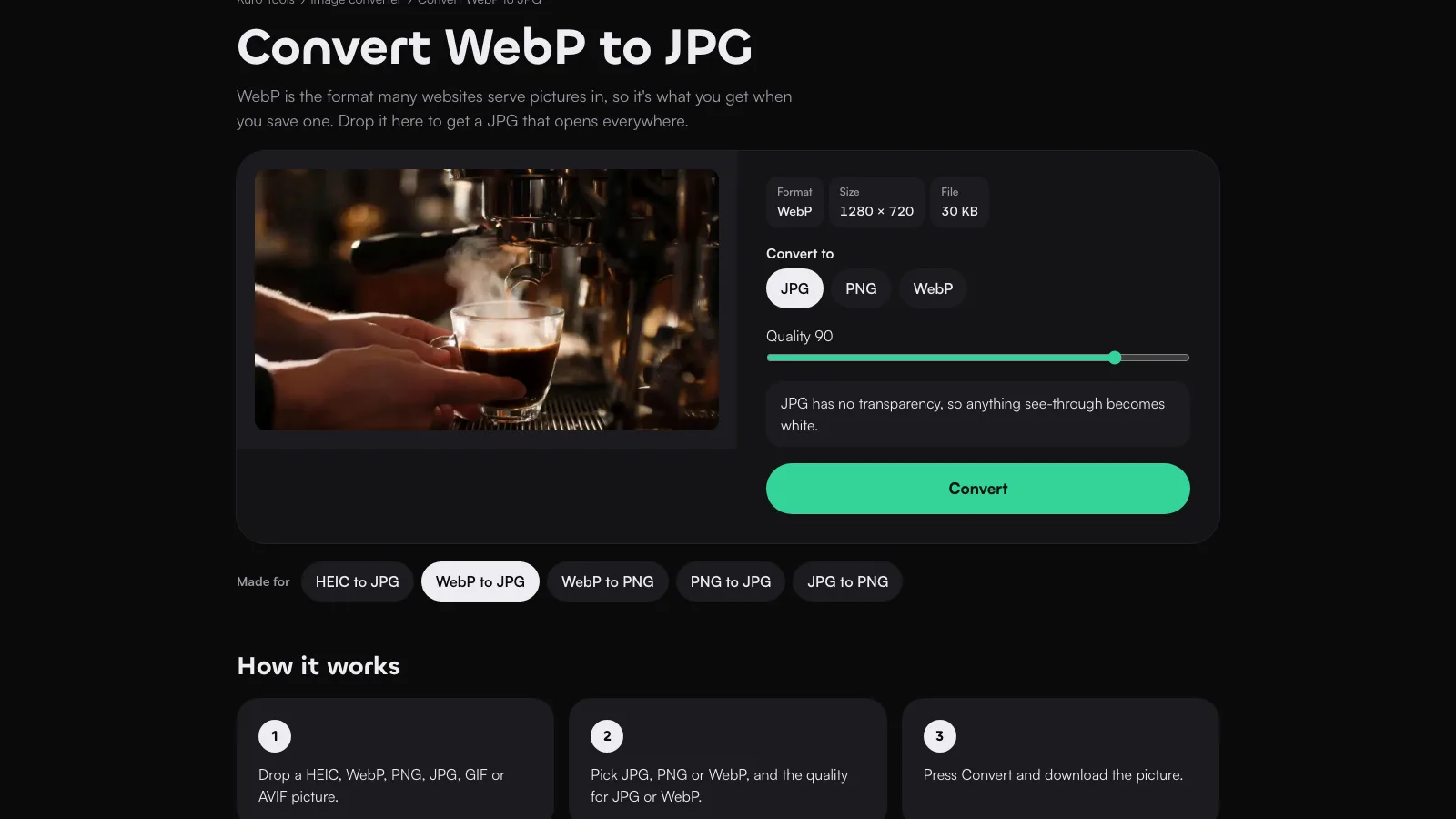 Free image tools, and every platform's sizesResize an image or convert it to JPG, PNG or WebP, iPhone HEIC photos included, free in your browser, and check what each platform asks for.
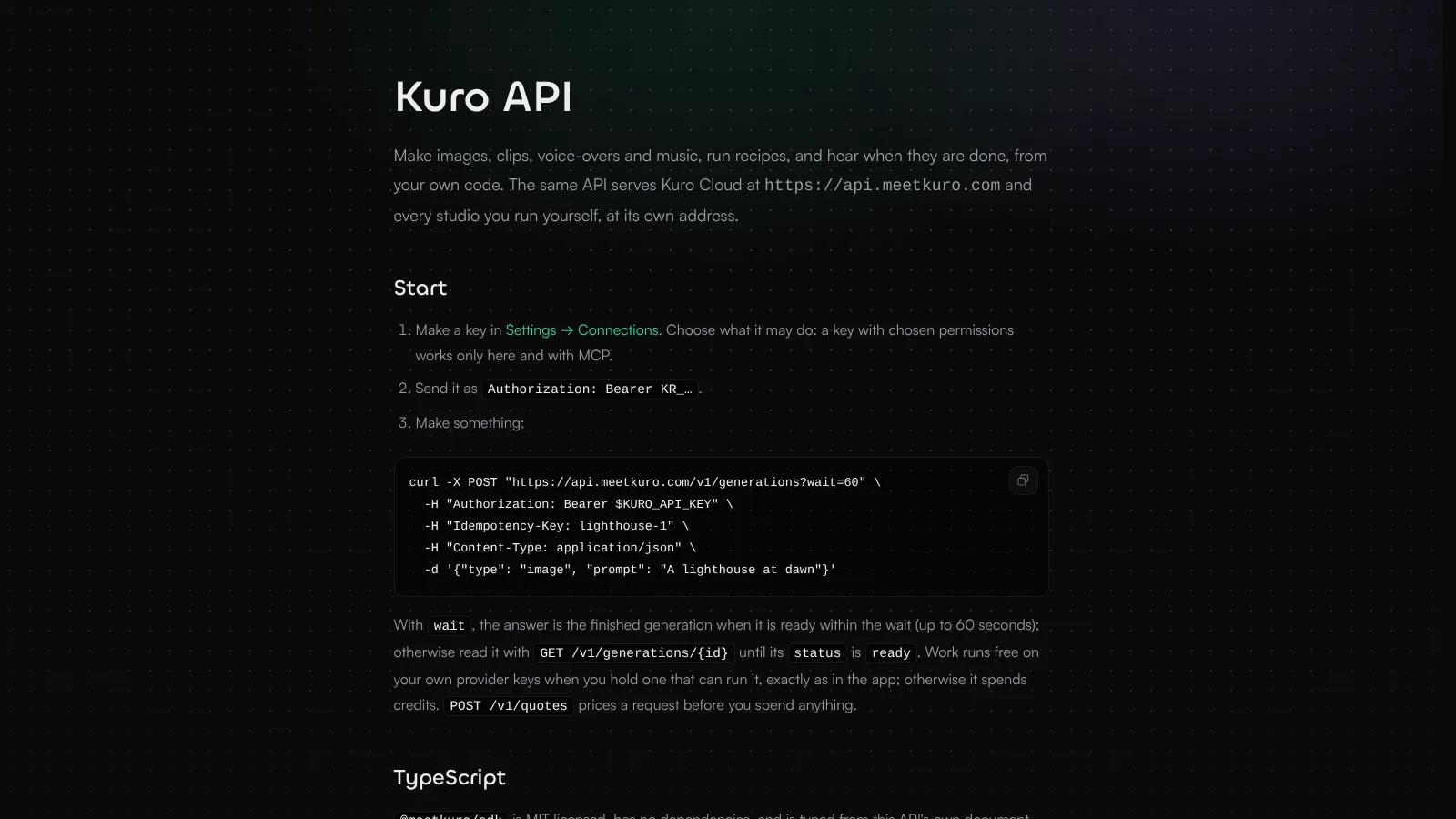 Make images, clips and music from your own codeThe Kuro API makes images, clips, voice-overs and music, runs recipes and tells your server when they are done, with keys limited to what they may do.
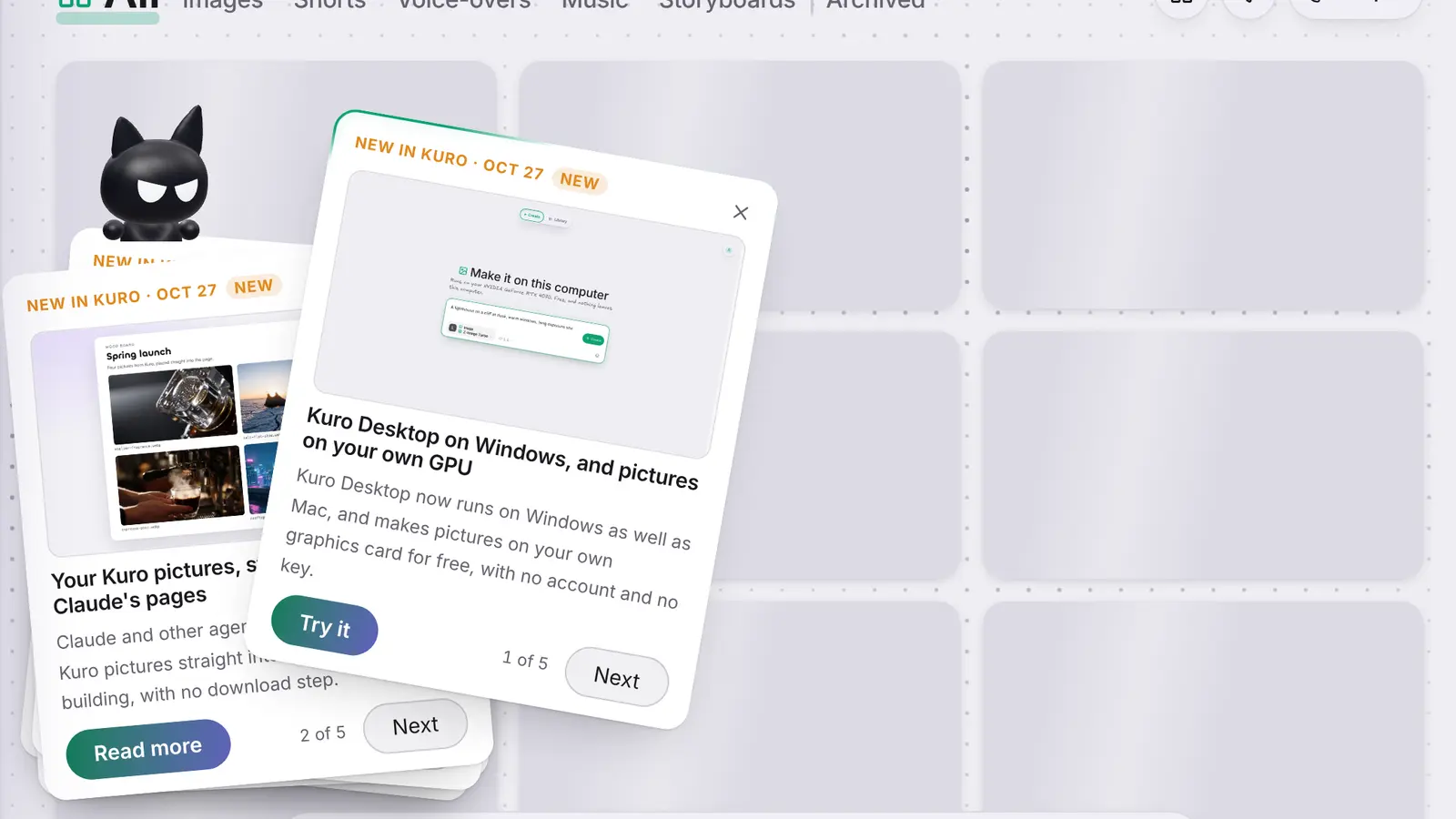 Go through every update on Kuro's pileKuro now brings the five latest updates as a pile of cards in the corner, so you can throw each one off to see the next.
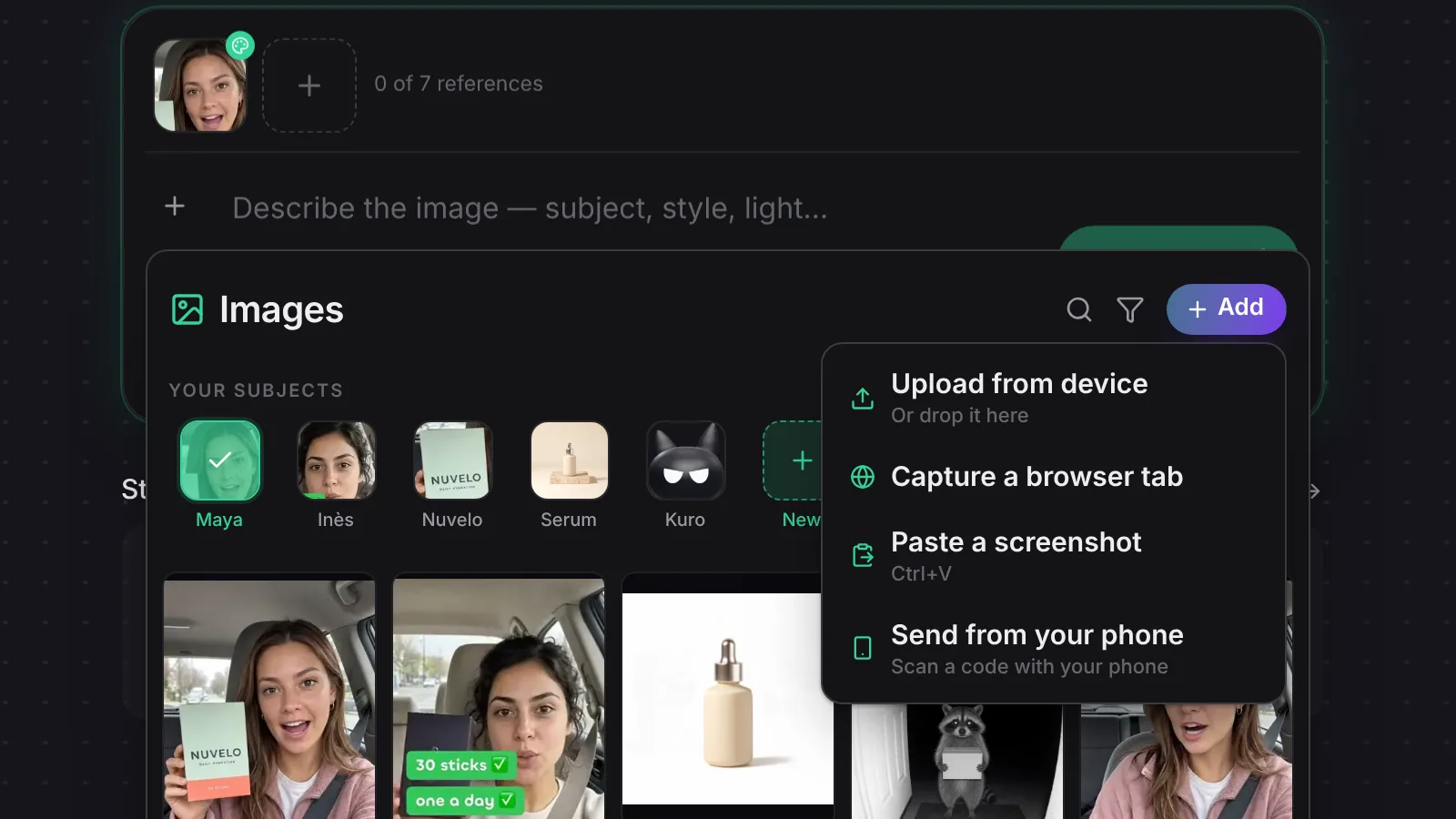 Pick your Subjects from the reference pickerThe picker behind + now shows your Subjects above your pictures, so one press puts Maya in the prompt, and every way to add a new picture sits under Add.
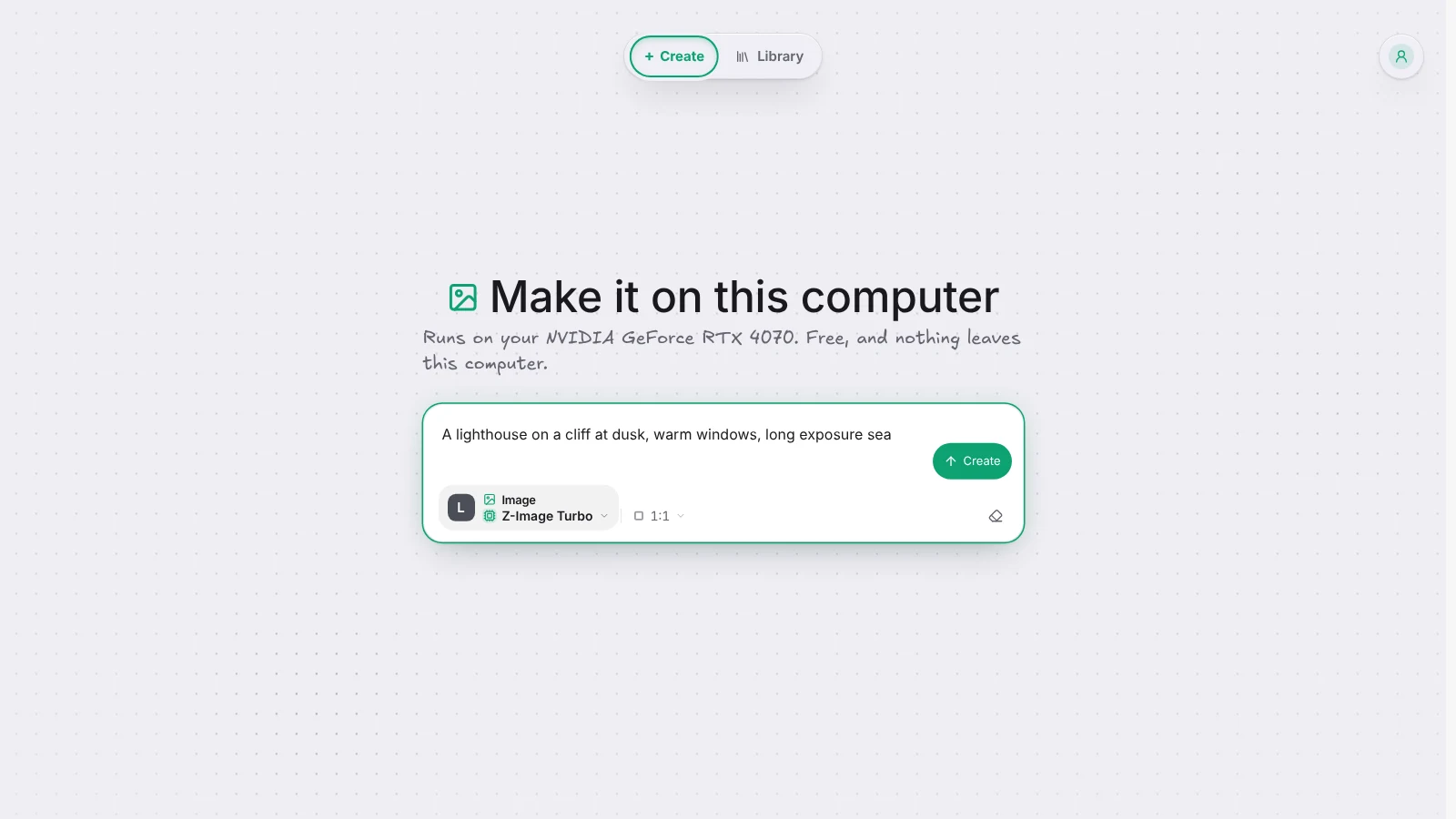 Kuro Desktop on Windows, and pictures on your own GPUKuro Desktop now runs on Windows as well as Mac, and makes pictures on your own graphics card for free, with no account and no key.
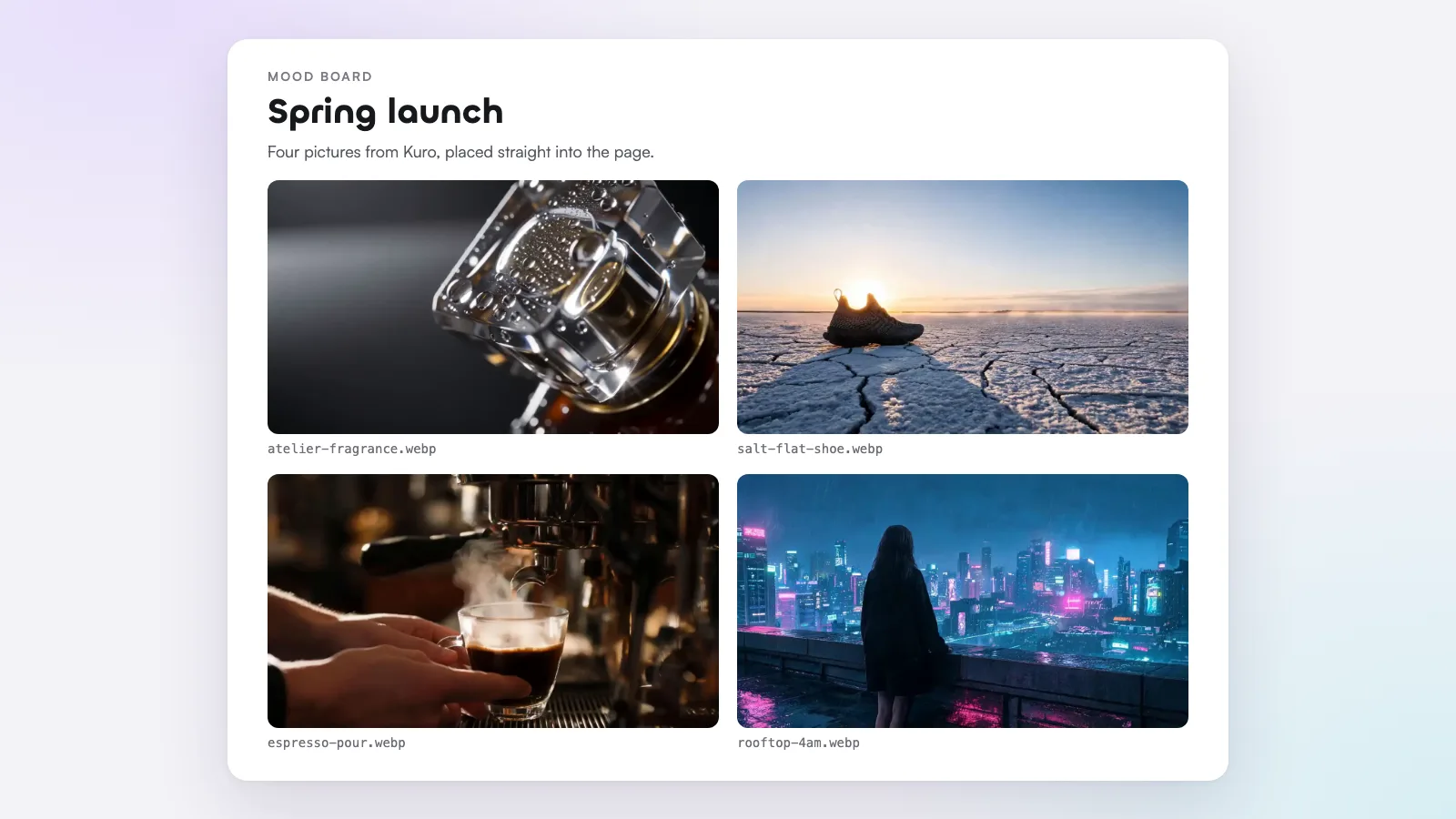 Your Kuro pictures, straight into Claude's pagesClaude and other agents can now take your Kuro pictures straight into the page they're building, with no download step.
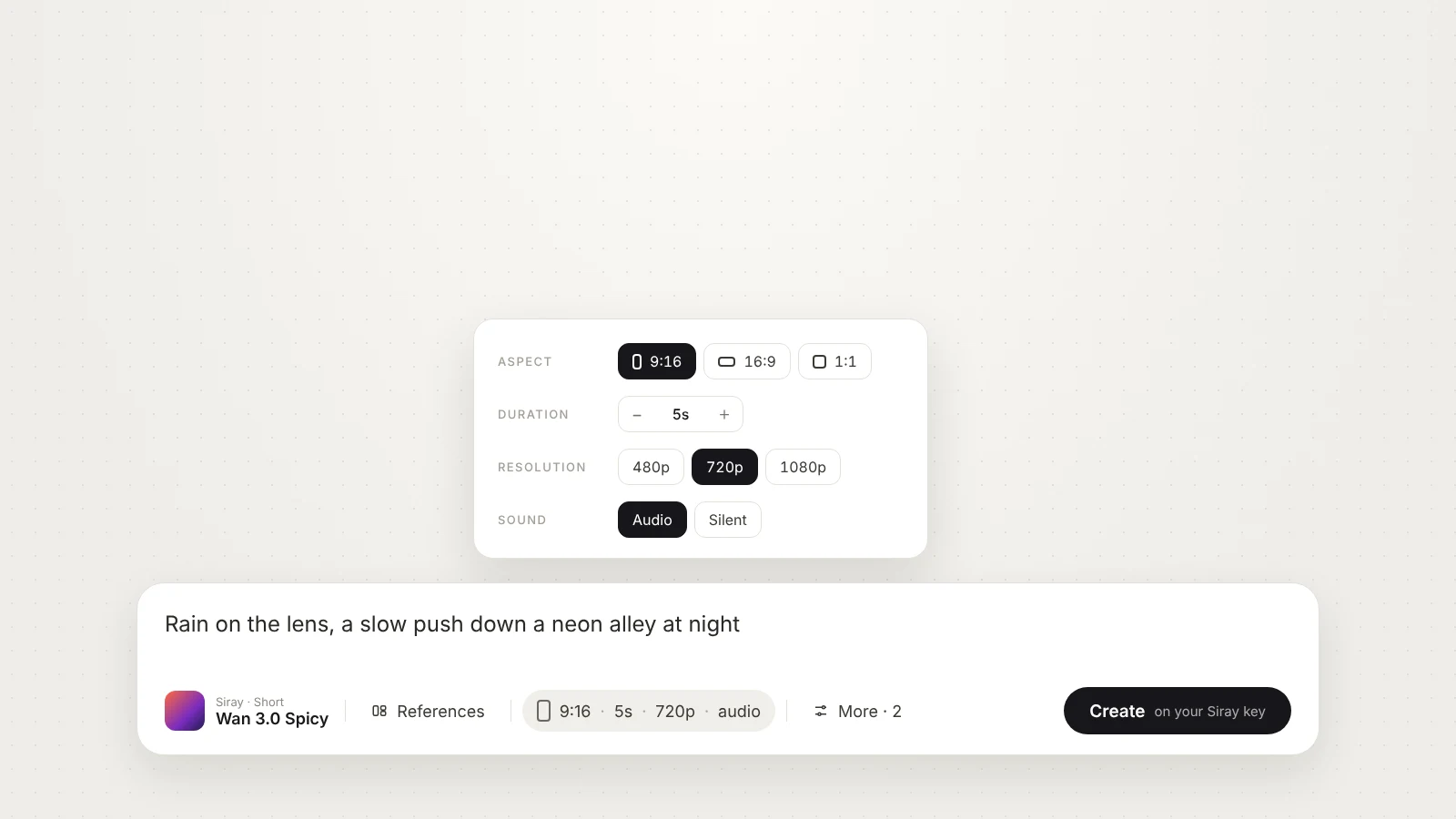 Your own models, set like Kuro'sA model you add from Replicate, fal or Siray now shows format, length, quality and sound the way Kuro's own models do, with every other setting under More.
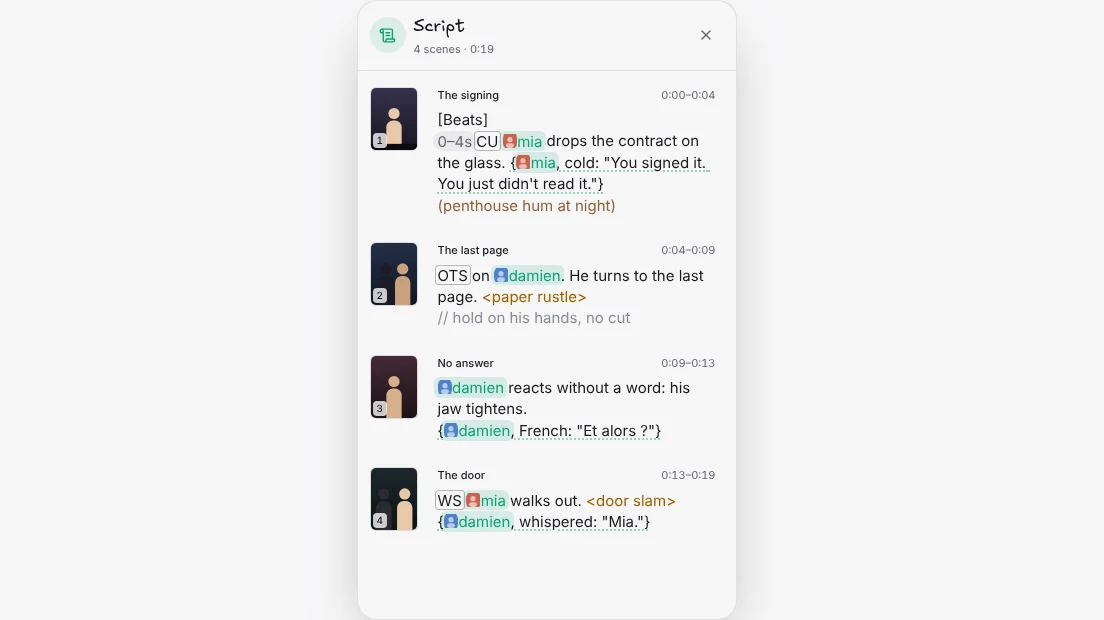 Read your storyboard as a scriptThe storyboard's new Script room shows every scene's lines in order, beside its picture and under the episode's clock, ready to edit.
 Kuro brings you what's newWhen something new ships, Kuro brings it to the corner of your screen once, and What's new in the account menu shows a picture for every update.
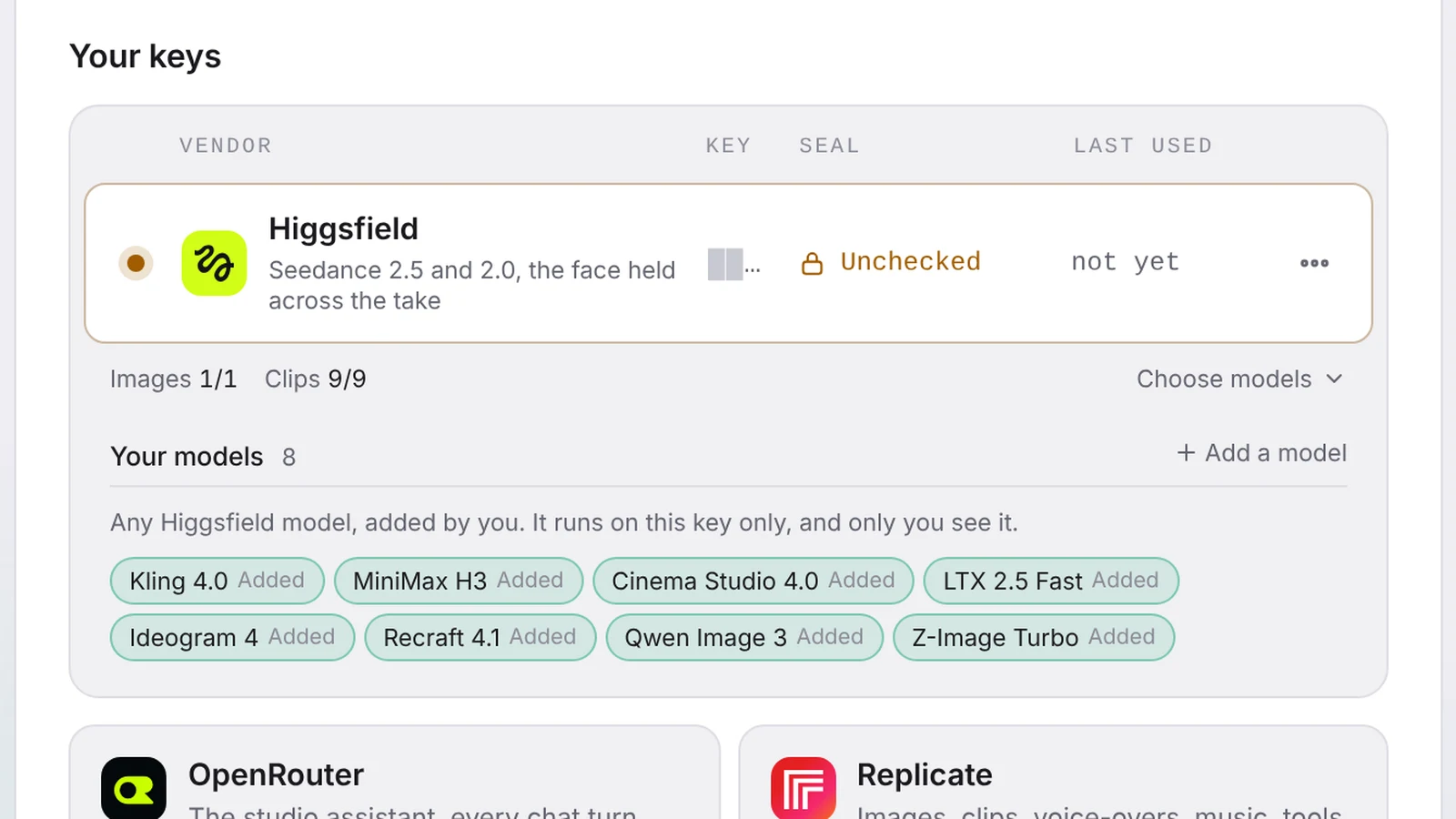 Every Higgsfield model on your Higgsfield keySave your Higgsfield key in Kuro and every model Higgsfield sells joins your list, from Kling 4.0 and MiniMax H3 to Cinema Studio and Z-Image Turbo.
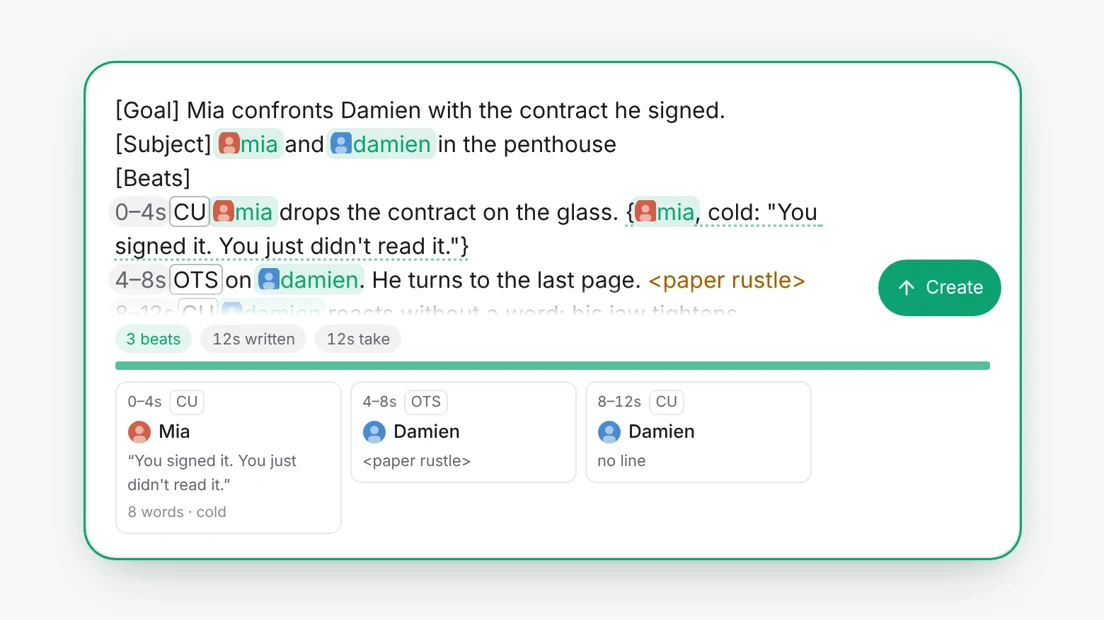 Write who says what in a clipType /line, /shot, /react, /sfx or /ambient in a clip prompt, and Kuro rewrites your lines for whichever video model makes the shot.
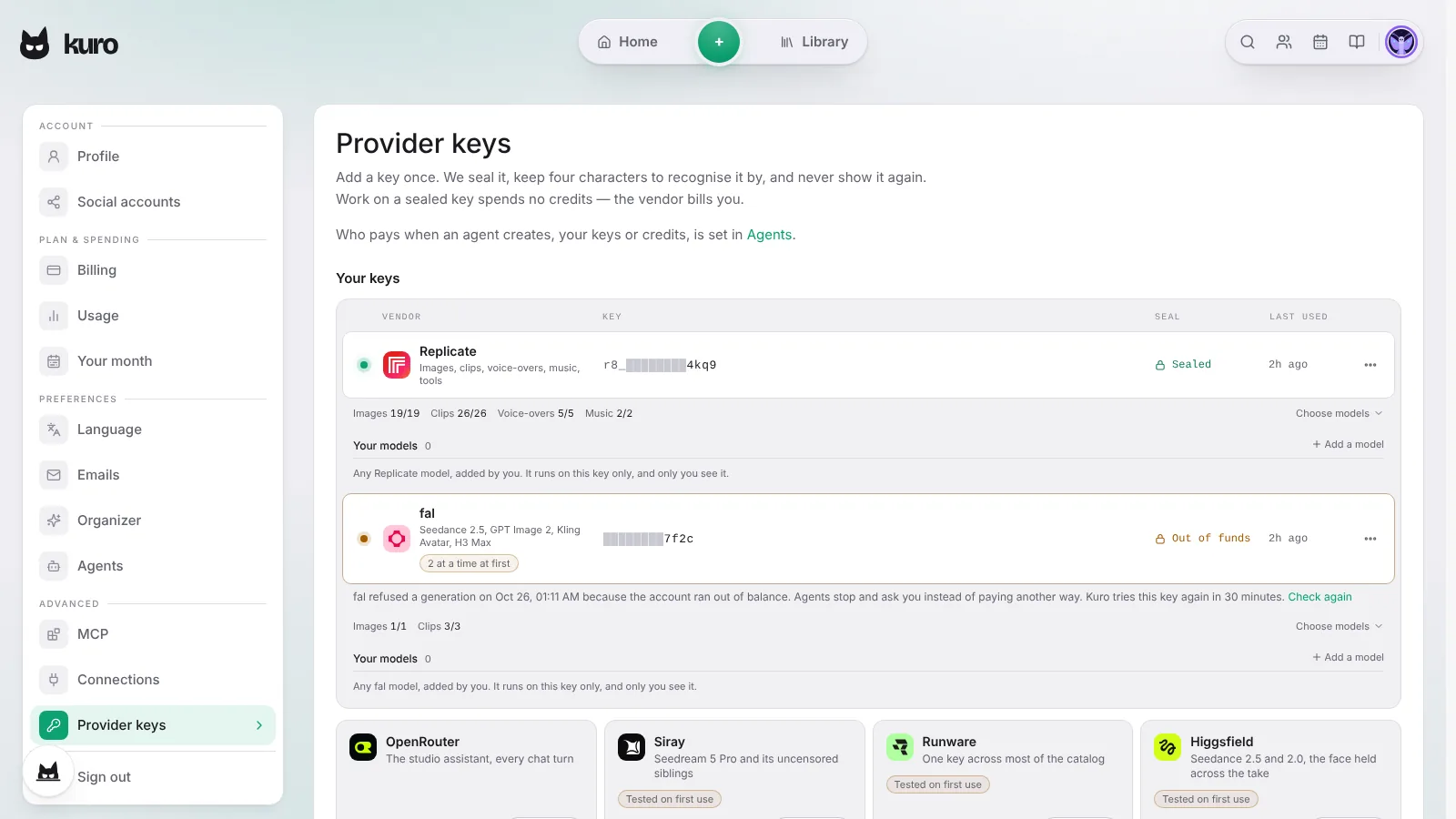 Assistants now see your own provider keysAssistants now know which of your provider keys pays for each model, so a funded fal or Replicate key gets used instead of being ruled out by low credits.
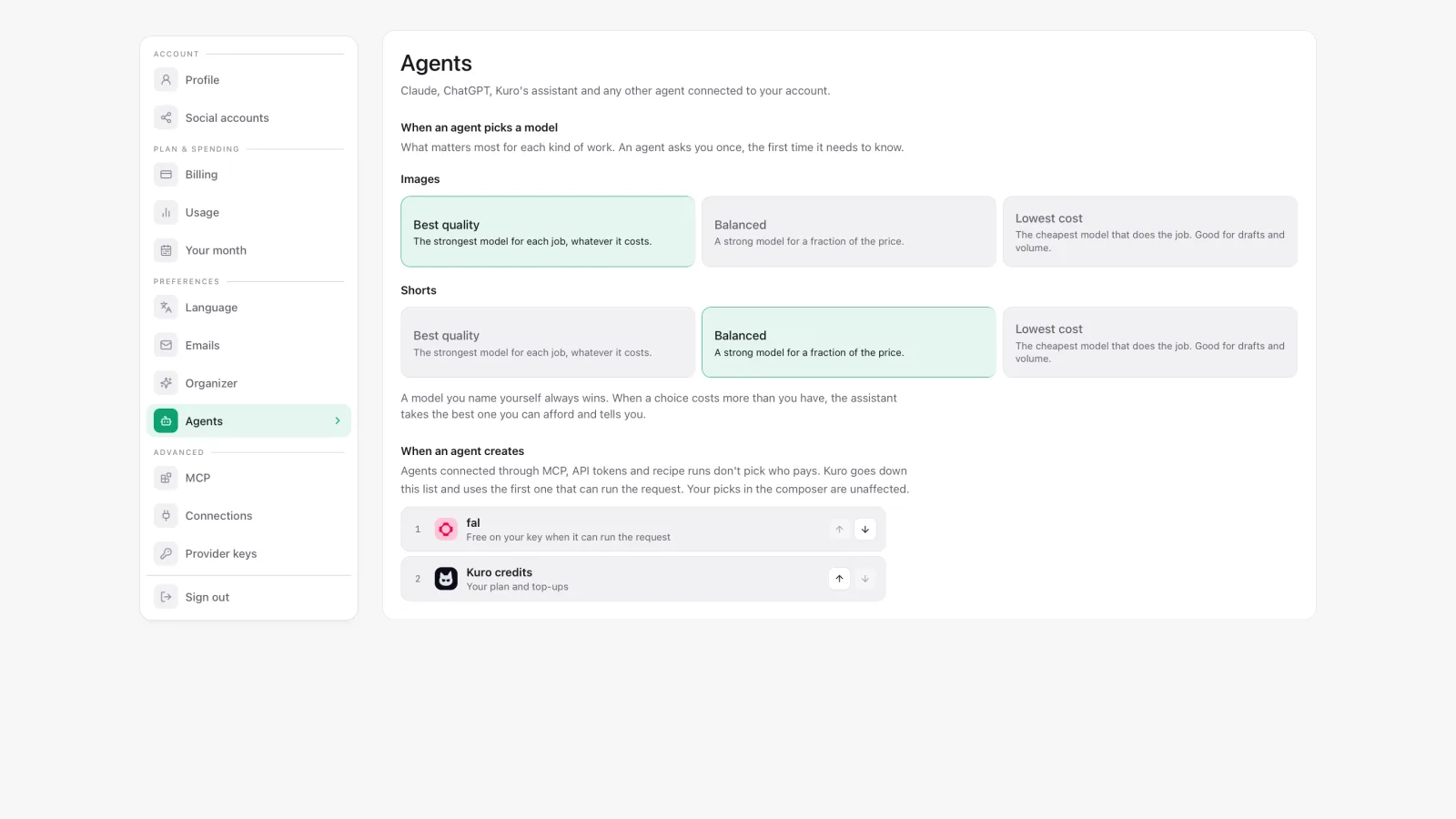 Tell Kuro what matters mostChoose best quality, balanced or lowest cost for images and for shorts once, and every assistant on your account picks its models to match.
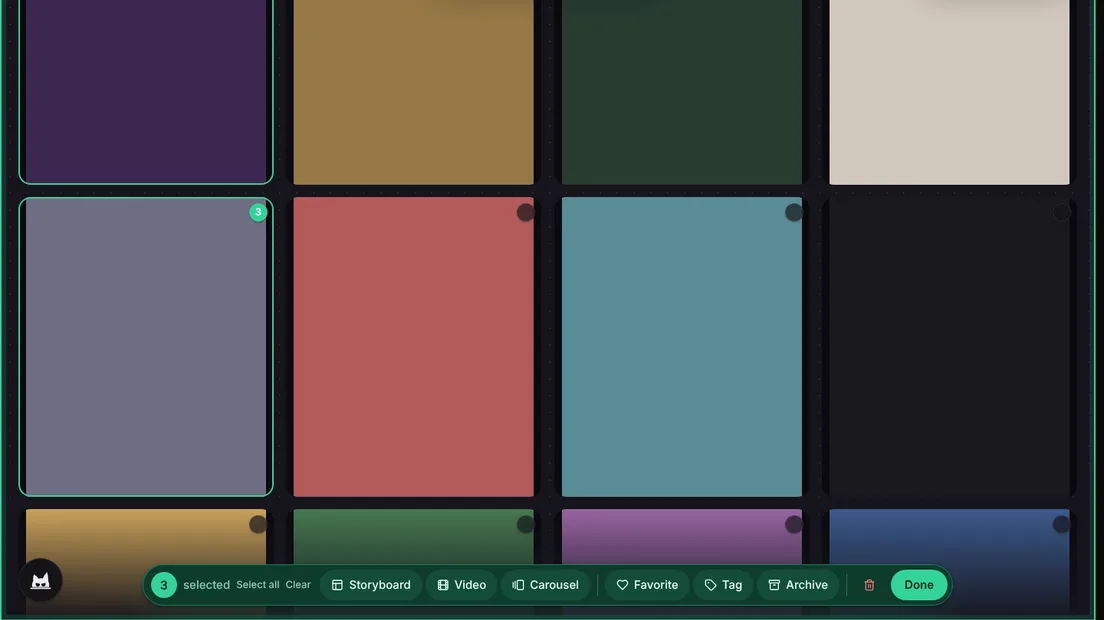 Selecting several things, at the foot of the screenWhen you select several pictures or clips, their actions now sit in a bar at the bottom of the screen that follows your light or dark theme.
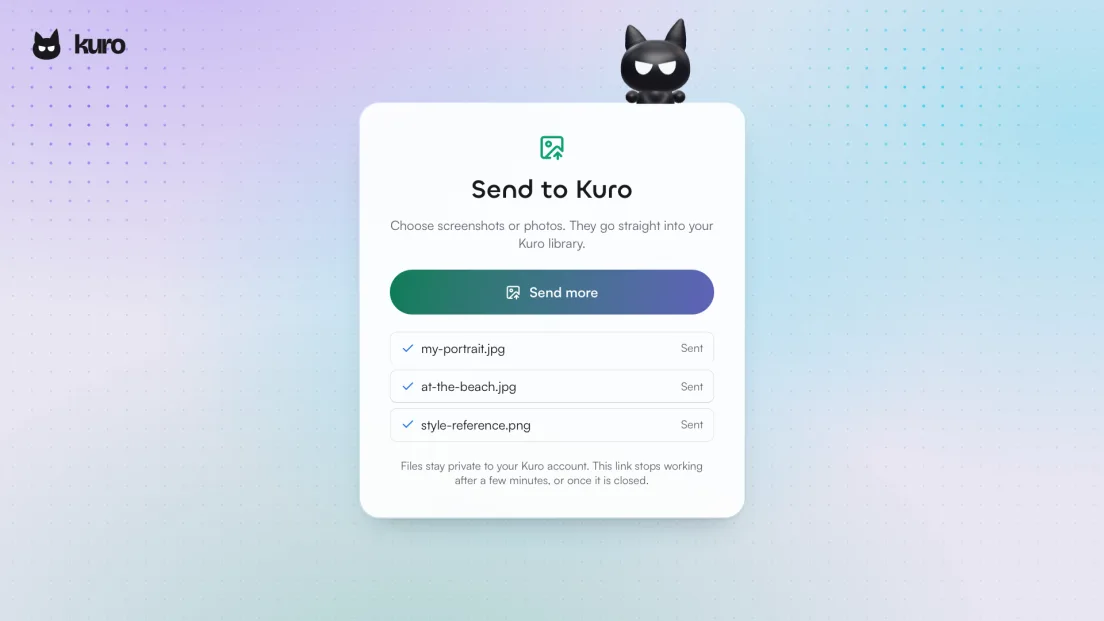 Send your photos to Kuro from any chatWhen an assistant can’t upload your picture, it hands you a link to send photos from your phone or computer, and finished pictures now show in the chat at once.
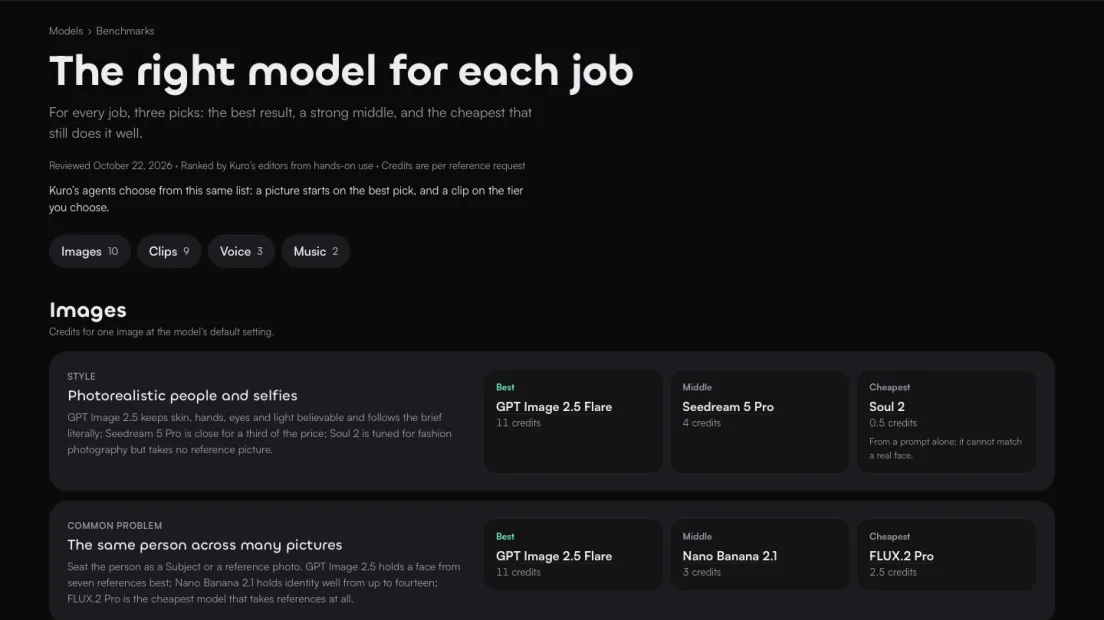 100 free credits a month, and a model benchmarkFree accounts now get 100 credits every month on top of the free list, and a new benchmark names the best, middle and cheapest model for each job.
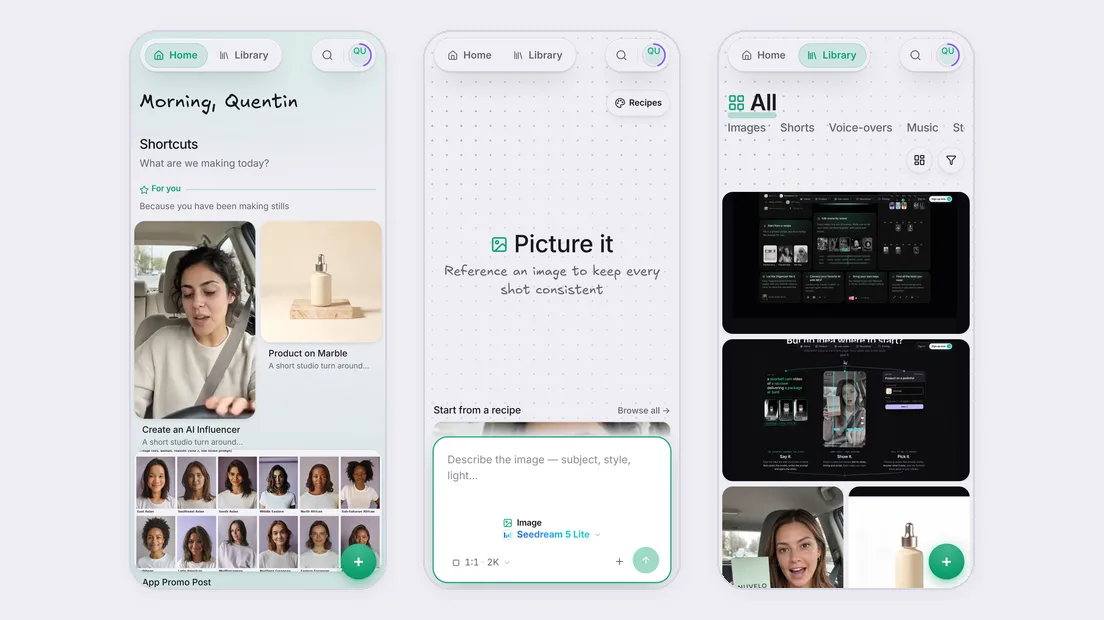 More room on your phoneOn a phone, Home, the Library and Versions now use the full width, and Create keeps the prompt at the bottom of the screen.
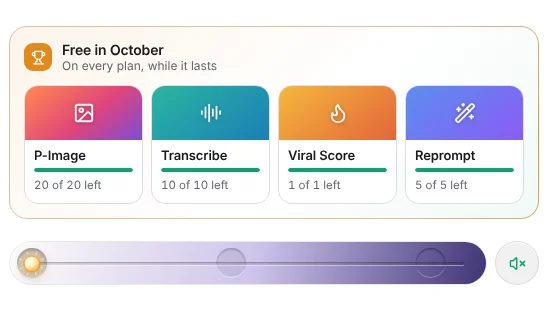 Free models on every planEvery plan now gets the month's free models, listed in your account menu and used before your credits.
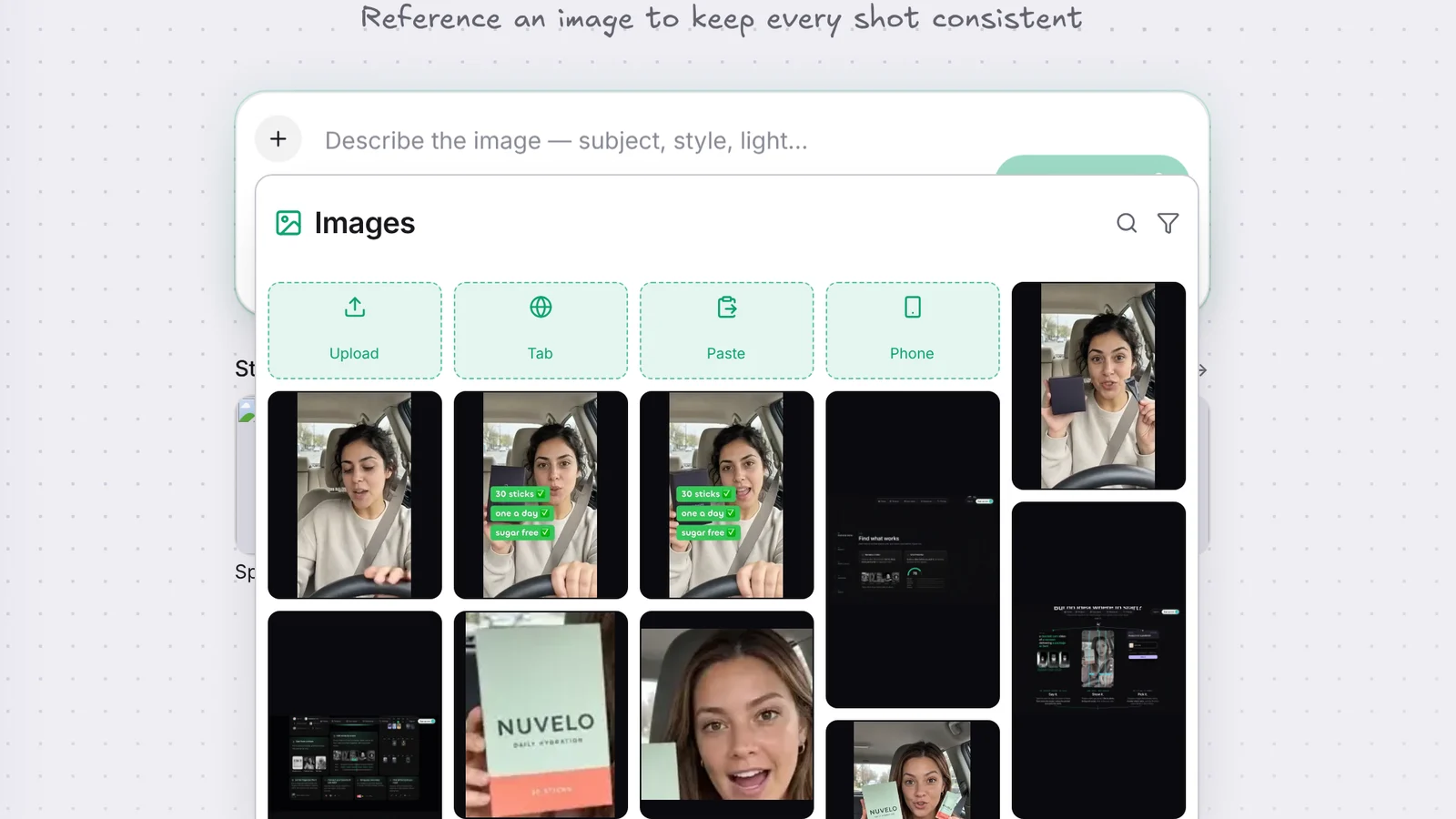 Capture a tab or a windowBeside Upload when you add a picture: shoot a browser tab or a window, paste a screenshot, or send photos from your phone.
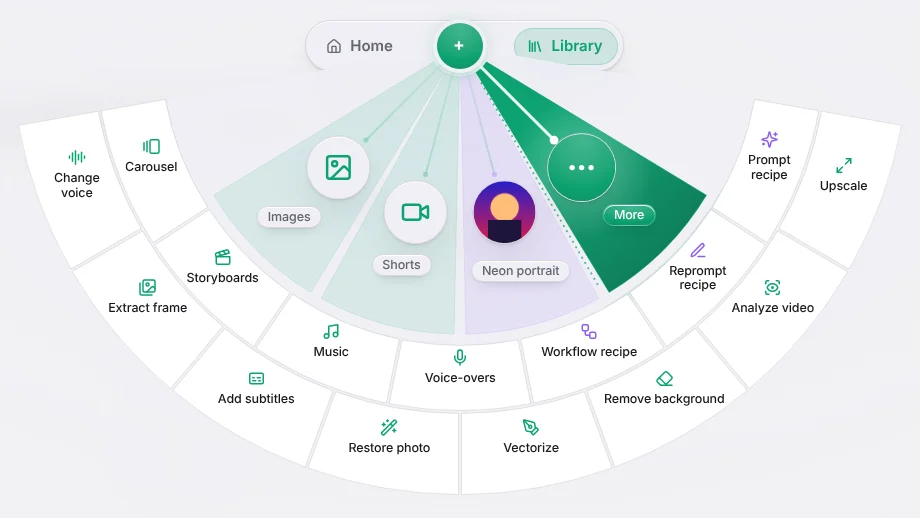 Recipes in the Create fanStart a Fill-in, Reprompt or Workflow recipe from More, and the recipe you use most gets its own petal.
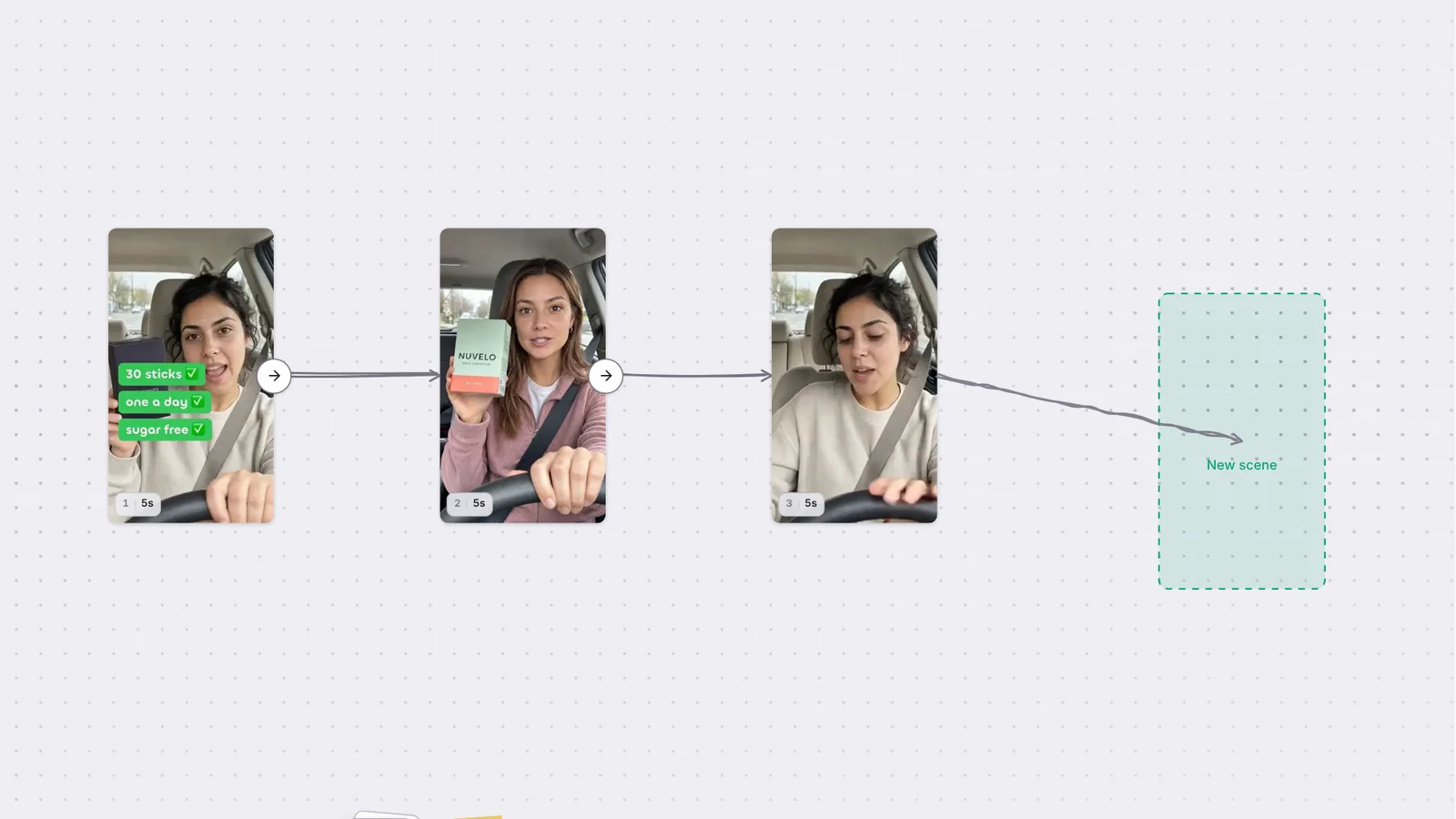 Arrows on the storyboardDrag the arrow on a scene onto another to link the two, or let go on empty board to add a new scene right there.