Organize
The same face in every shot.
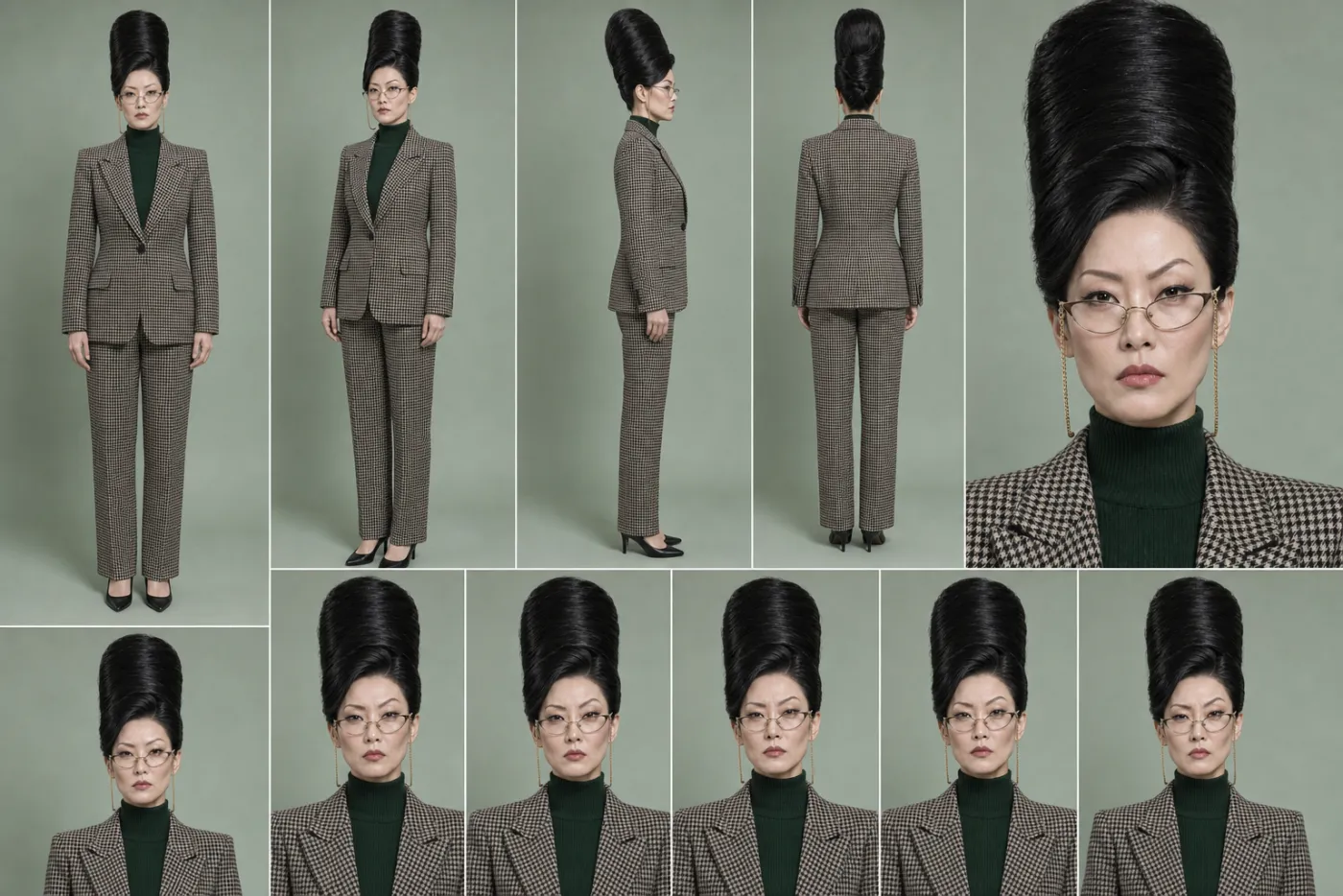
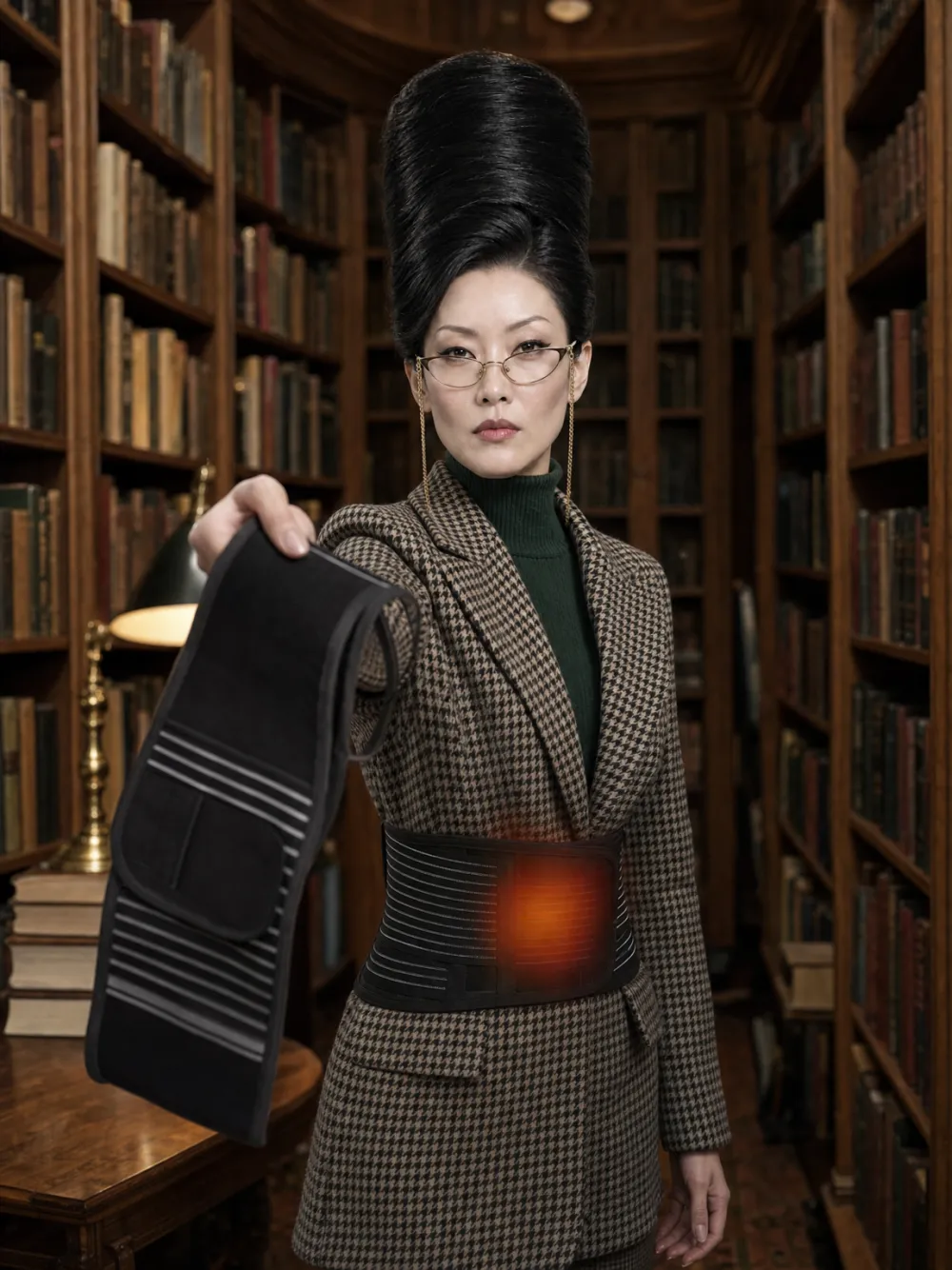
Save a person or a product once, give it a name, and tag it in any prompt. Kuro brings the face, the details and the voice with it.

How it works
- 1
Save a Subject
Start from one photo or a picture you made. Add a sheet of angles and a voice if you have them.
- 2
Tag it by name
Write @mei in any prompt. Kuro fills the model's reference slots with her and leaves your sentence as you typed it.
- 3
Keep making
Every picture and clip she appears in is listed on her page, so you can see her whole run.
What's inside
One identity, everywhere you make things.
Characters and products
A recurring person, or the exact bottle, shoe or box you sell.
Up to 4 at once
Tag up to 4 Subjects in one request: a host and her product, or a whole cast.
A sheet, not just a selfie
Give a Subject a sheet of angles and models that can use it get the full picture.
Her own voice
Bind a saved voice to a Subject and every talking clip of her uses it.
In recipes and storyboards
A recipe that asks for a person or a product takes your Subject in one pick, and a storyboard keeps its cast across every scene.
Rename once
Change her name and every title and tag that mentions her changes with it.
Questions
Does it work with every model?
It works with every model that takes reference images. Kuro puts the Subject in the slots that model already has.
Can I make an AI influencer with this?
Yes. Save the character as a Subject, give her a voice, and tag her in every post. Her page shows everything she's been in.
Who can see my Subjects?
Only you. Subjects are private to your account.
Cast once. Shoot forever.
Sign up and save your first Subject.