Create
57 models. One prompt bar.
Type what you're picturing and pick a model, or let Kuro pick one for you. Images and videos land in the same library, ready for the next step.
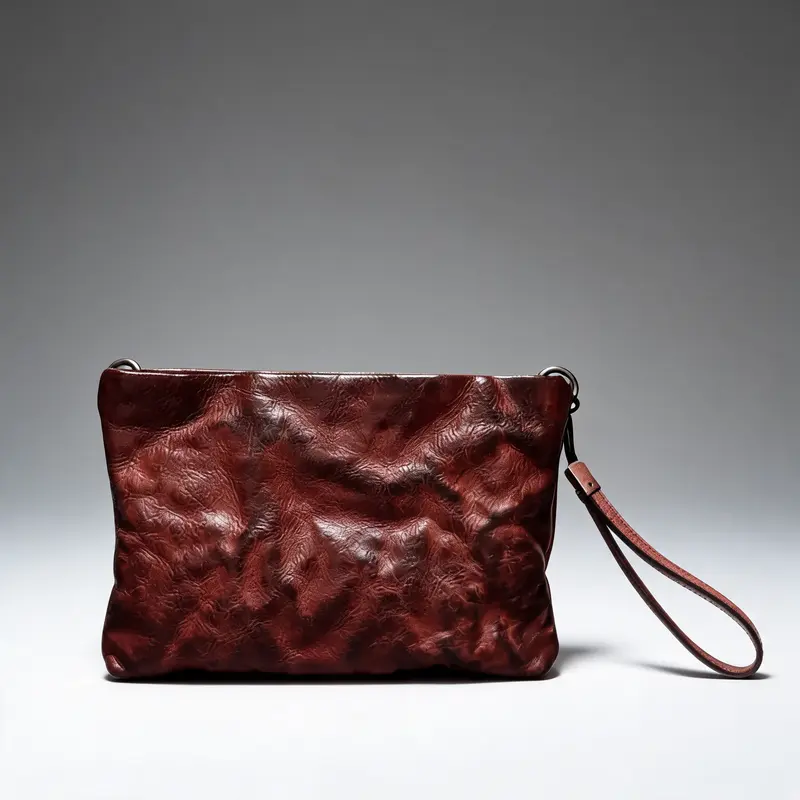
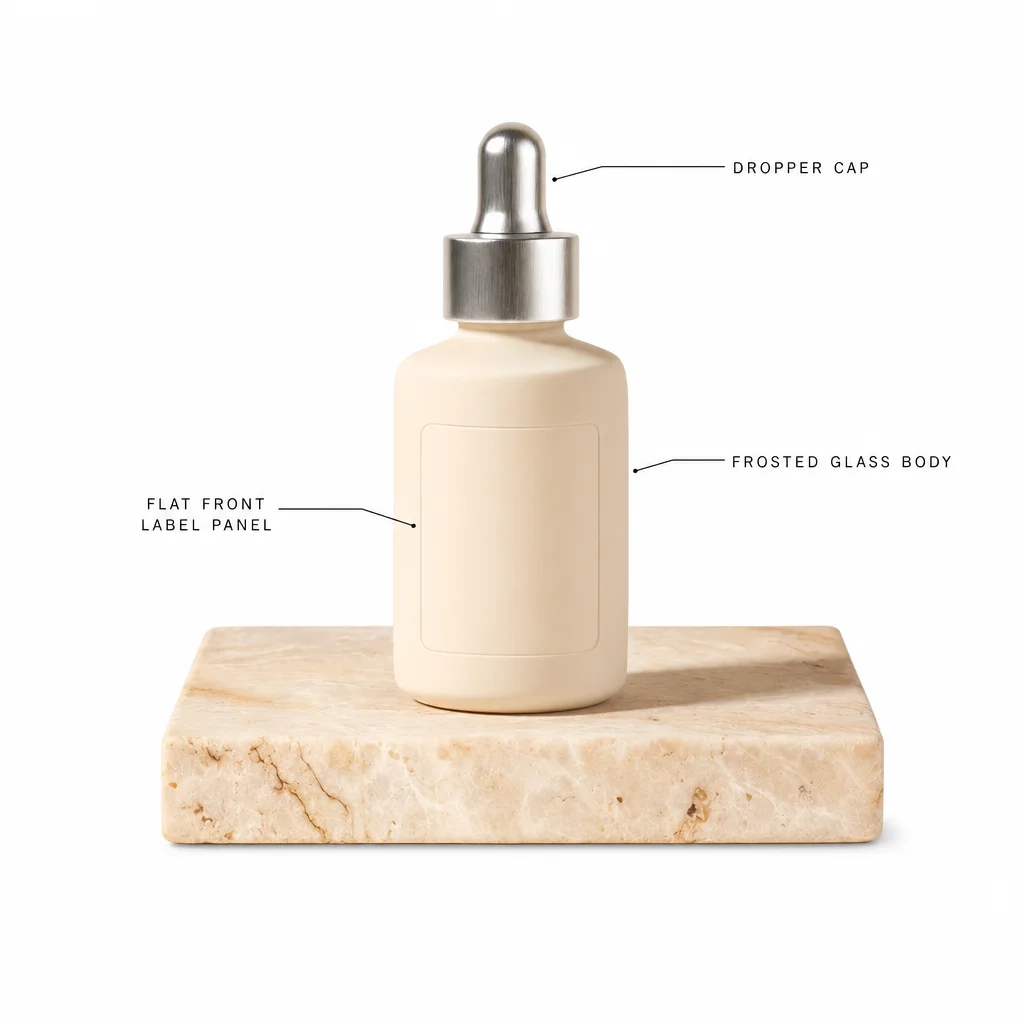
How it works
- 1
Say what you want
Write it your way. Add a photo of your product, a face or a first frame if you have one.
- 2
Pick a model, or don't
Every model shows what it accepts and what it costs before you press anything.
- 3
Finish it
Upscale, remove the background, vectorize or add subtitles to the result, without leaving the studio.
What's inside
Every model worth having, and the tools around them.
Images and videos side by side
The newest image and video models from every major lab, in one list, priced in the same credits.
References that stick
Give a model your product, a face or a first and last frame, and it builds the shot around them.
Styles, motion and light
Pick a style, a camera move, a lighting setup or a framing instead of describing it in the prompt.
Finishing tools
Upscale, remove a background, vectorize a logo, restore an old photo, trim a clip or burn in subtitles.
Your own keys
Run models on your own Replicate, fal or other provider key, and Kuro charges no credits for them.
Nothing gets lost
Every result is saved, named and tagged in your library, so you can find it again next month.
Questions
Which model should I use?
If you are not sure, leave it to Kuro: it picks a model that fits what you asked for. Every model also has its own page with what it is best at and what it costs.
Can I use my own photos?
Yes. Upload a product photo, a portrait or a frame and the model uses it as a reference. For a person or a product you use often, save it as a Subject.
What does a generation cost?
Each model shows its price in credits before you run it, and you only pay for what you run. If you bring your own provider key, those runs cost no credits.
Your first picture is one sentence away.
Sign up, type what you're picturing, and pick any model.