Create
Carousels people swipe to the end.
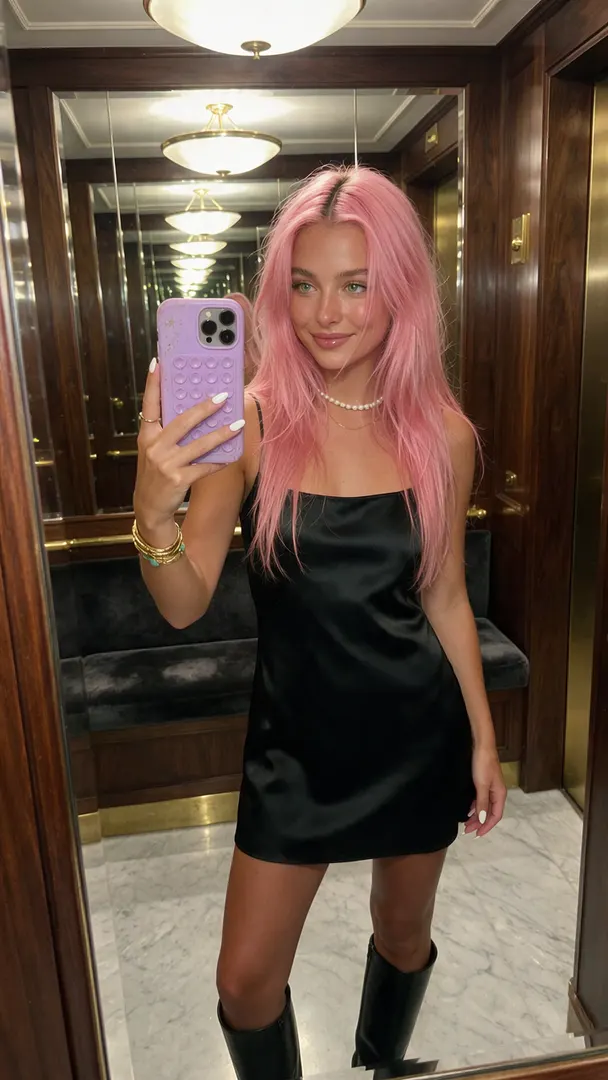
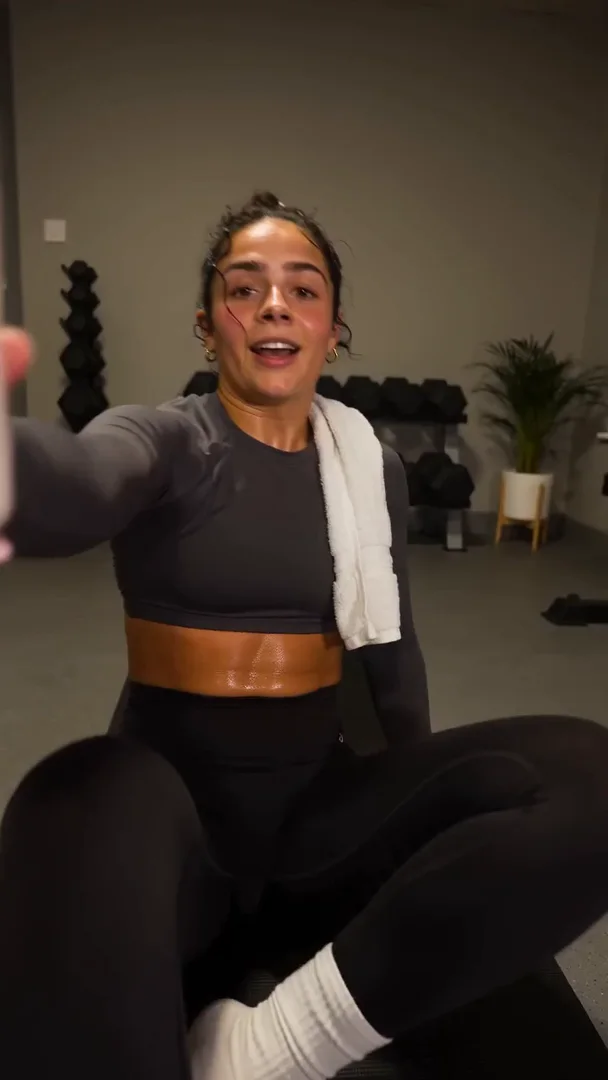
Pick 2 to 20 pictures, write one line for each page, and Kuro sets them in one clean style, clear of the app's buttons.



How it works
- 1
Pick the pictures
Select them in your library in the order you want. Each click adds the next page.
- 2
Write one line per page
Place it at the top, middle or bottom. Add a screenshot inset if the page needs one.
- 3
Post or download
Schedule it from the calendar, or download every page in one ZIP.
What's inside
Made for the feed, not for a slide deck.
4 canvases
9:16, 4:5, 3:4, and 1:1, so the same set fits TikTok, Instagram and X.
Text that stays readable
Lines are laid out inside the area the app leaves clear, so a caption or button never covers them.
One style for the set
Font, weight, size, colour, outline or box: set it once and every page matches.
Real screenshots
Drop a screenshot of your app on a page, framed in a phone, instead of asking a model to draw it.
Edit any time
Reopen a carousel to change a line or swap a picture. Each render is saved as a new set.
Free to render
Building the pages costs no credits. Only the pictures you generate do.
Questions
Where do the pictures come from?
Anything in your library: pictures you generated, photos you uploaded, or frames from a video.
Can I post it straight to Instagram or TikTok?
Yes. Pick the carousel when you schedule a post and it goes out as a carousel. Each platform's own page limit is checked when you choose it.
Does it cost credits?
No. Rendering the pages is free. You only spend credits on the pictures you generate for it.
Your next carousel takes five minutes.
Sign up, pick your pictures and write the lines.