Update ·
Run your ComfyUI workflows on your Comfy key
Add your Comfy key, import a workflow from ComfyUI, and Kuro runs it on Comfy Cloud or your own deployment, billed by Comfy rather than in credits.
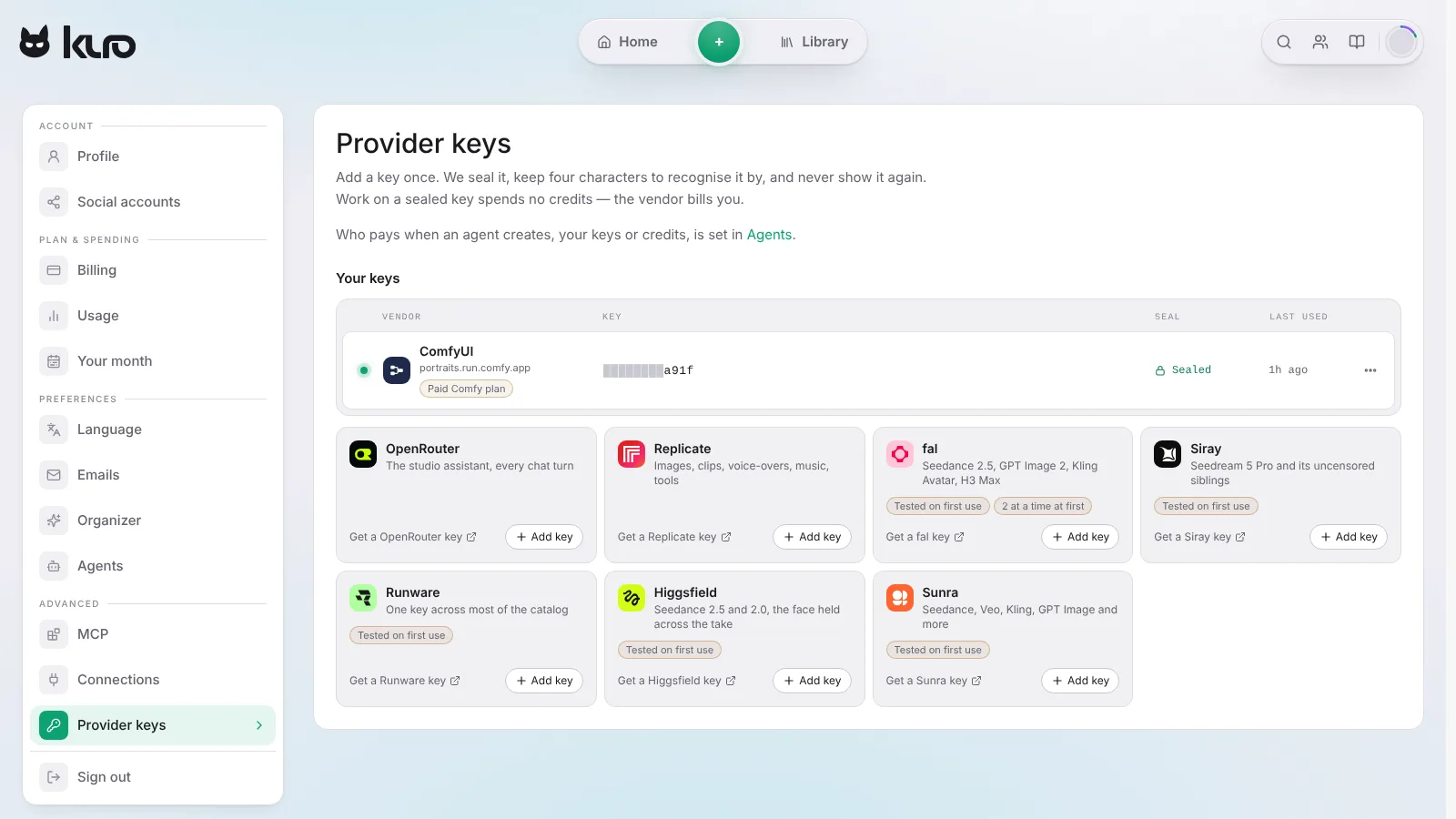
If you build pictures in ComfyUI, you can now run those workflows from Kuro on your own Comfy account. Comfy bills you for the run, and Kuro charges no credits.
Add your Comfy key
In Settings → Provider keys, choose ComfyUI and paste an API key from your Comfy account. Comfy’s API needs a paid Comfy plan. Leave the address empty to run on Comfy Cloud, or give your deployment’s address, like https://name.run.comfy.app, to run on a Comfy Deployment with your own custom nodes.
Import a workflow
In ComfyUI, use Workflow → Export (API). Then in Kuro, press Import a ComfyUI workflow under your Comfy key and drop the file in. Kuro reads it and asks which text is the prompt, which files it needs and which settings to ask about. It also checks the nodes your Comfy has, and names any the workflow uses that are missing, so you know before your first run fails.
Run it from Create
The workflow becomes one of your own models, and Kuro opens Create with it picked and your Comfy key paying. Write a prompt and press Create: Comfy does the work, and the result lands in your Library. It stays in Create’s model picker beside the models you added to your other keys. It stays private to your account, and a Comfy key only runs the workflows you import, never Kuro’s own models.