Update ·
Run your ComfyUI workflows in Kuro Desktop
Kuro Desktop now runs workflows you import from ComfyUI on the ComfyUI on your own computer, free, without an account or a Comfy key.
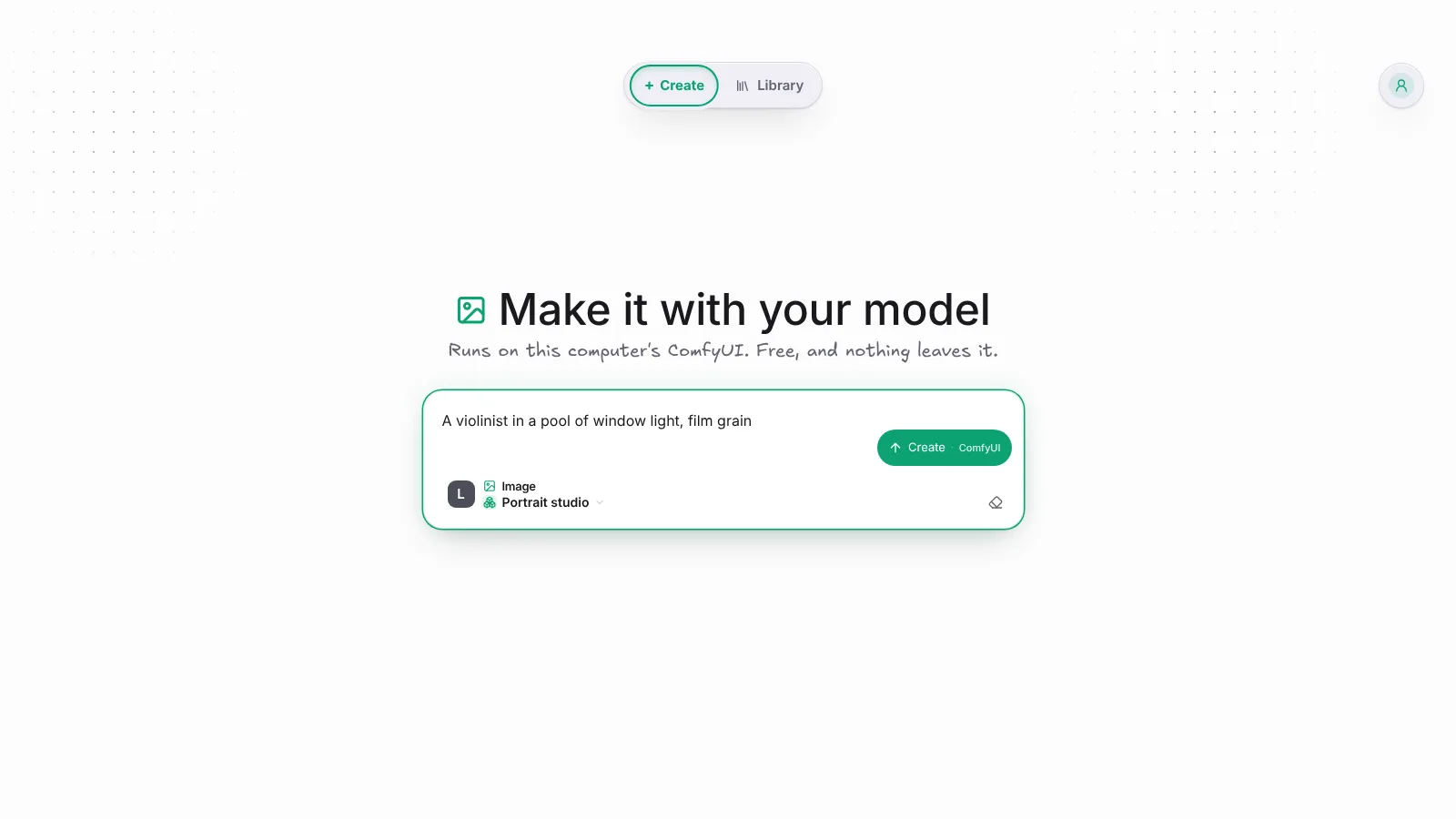
Kuro Desktop can now run your ComfyUI workflows on the ComfyUI already on your computer. You don’t need an account or a Comfy key, nothing is uploaded, and it costs nothing.
Start ComfyUI and Comfy’s API proxy
Kuro talks to ComfyUI through Comfy’s own API proxy, the same way a self-hosted Kuro server does. With ComfyUI running, install the proxy once and start it:
pip install comfy-api-proxy
comfy-api-proxy run
In Kuro Desktop, open Settings → API keys and the Local tab. Under ComfyUI on this computer, Kuro says whether ComfyUI is answering.
Import a workflow
In ComfyUI, use Workflow → Export (API). Then press Import a workflow and choose the file. Kuro asks which text is the prompt, which files it needs and which settings to ask about, and names any nodes the workflow uses that your ComfyUI doesn’t have.
Run it from Create
Your workflow shows up in Create’s model picker under On this computer, in the medium it makes. Write a prompt and press Create: ComfyUI does the work, and the result lands in your Library on this computer.