Update ·
Free image tools, and every platform's sizes
Resize an image or convert it to JPG, PNG or WebP, iPhone HEIC photos included, free in your browser, and check what each platform asks for.
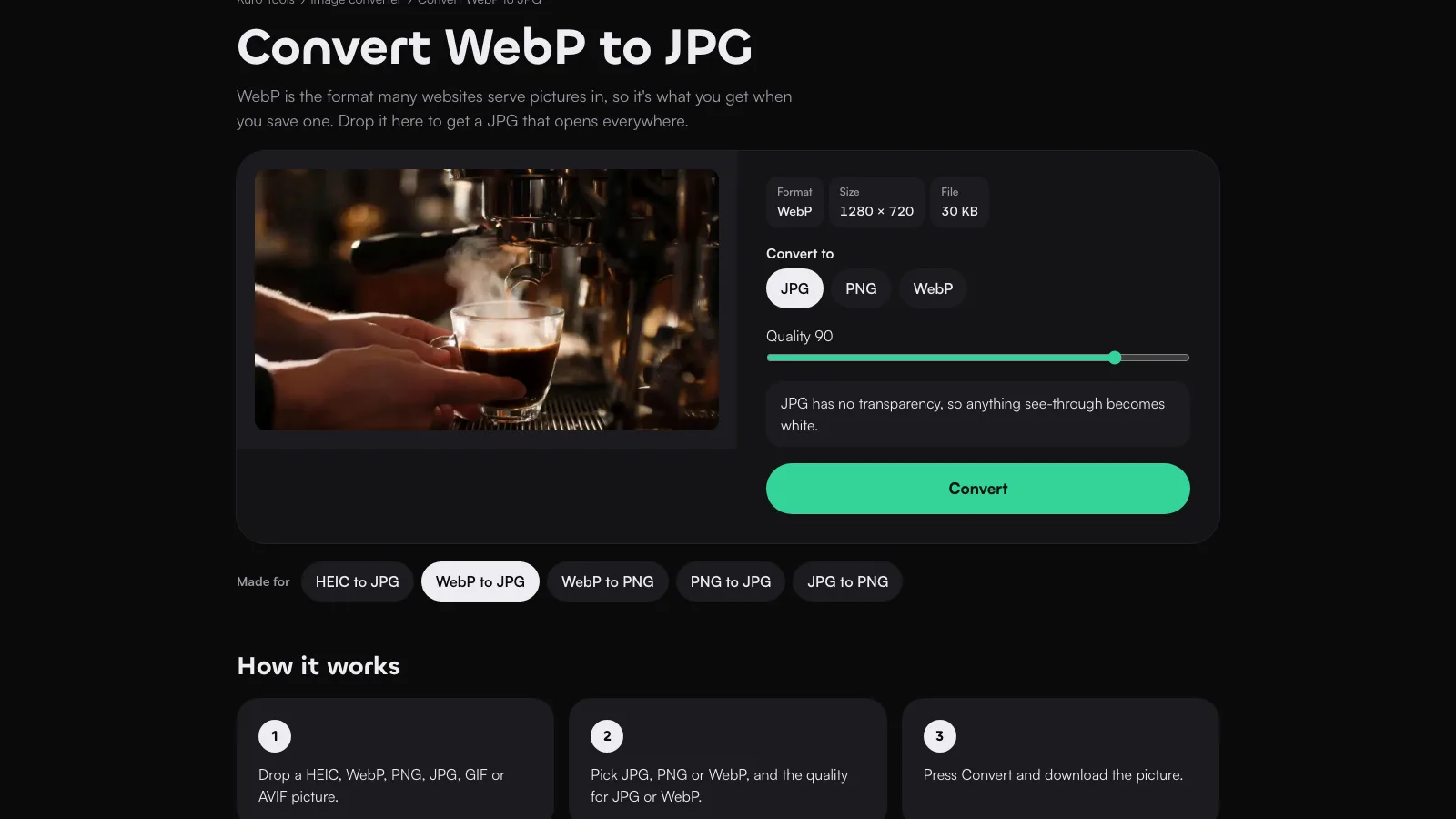
Two new free tools sit beside the video tools at meetkuro.com/tools: an image resizer and an image converter. Like the others, they run in your browser, so the picture never leaves your device, and there’s no sign-up or watermark.
Resize or convert a picture
Drop a JPG, PNG, WebP or HEIC picture. The resizer takes a width or a height, or 25%, 50% or 75%, and keeps the shape unless you tell it not to. The converter turns it into a JPG, a PNG or a WebP at full size, with a quality setting for JPG and WebP.
iPhone photos come in as HEIC, which Windows, Android and many websites can’t open. HEIC to JPG reads them in Chrome, Edge and Firefox as well as Safari. The new file carries no camera details, date or location.
What each platform asks for
Sizes by platform has a page for TikTok, Instagram posts, Reels and Stories, YouTube videos, Shorts and thumbnails, Facebook and LinkedIn. Each figure comes from the platform’s own pages, with a link to it and whether it’s for the app, ads or the API. Some are newer than you may expect: YouTube now recommends 3840 × 2160 thumbnails, and Instagram’s app keeps portrait photos up to 3:4.