Update ·
Kuro Desktop on Windows, and pictures on your own GPU
Kuro Desktop now runs on Windows as well as Mac, and makes pictures on your own graphics card for free, with no account and no key.
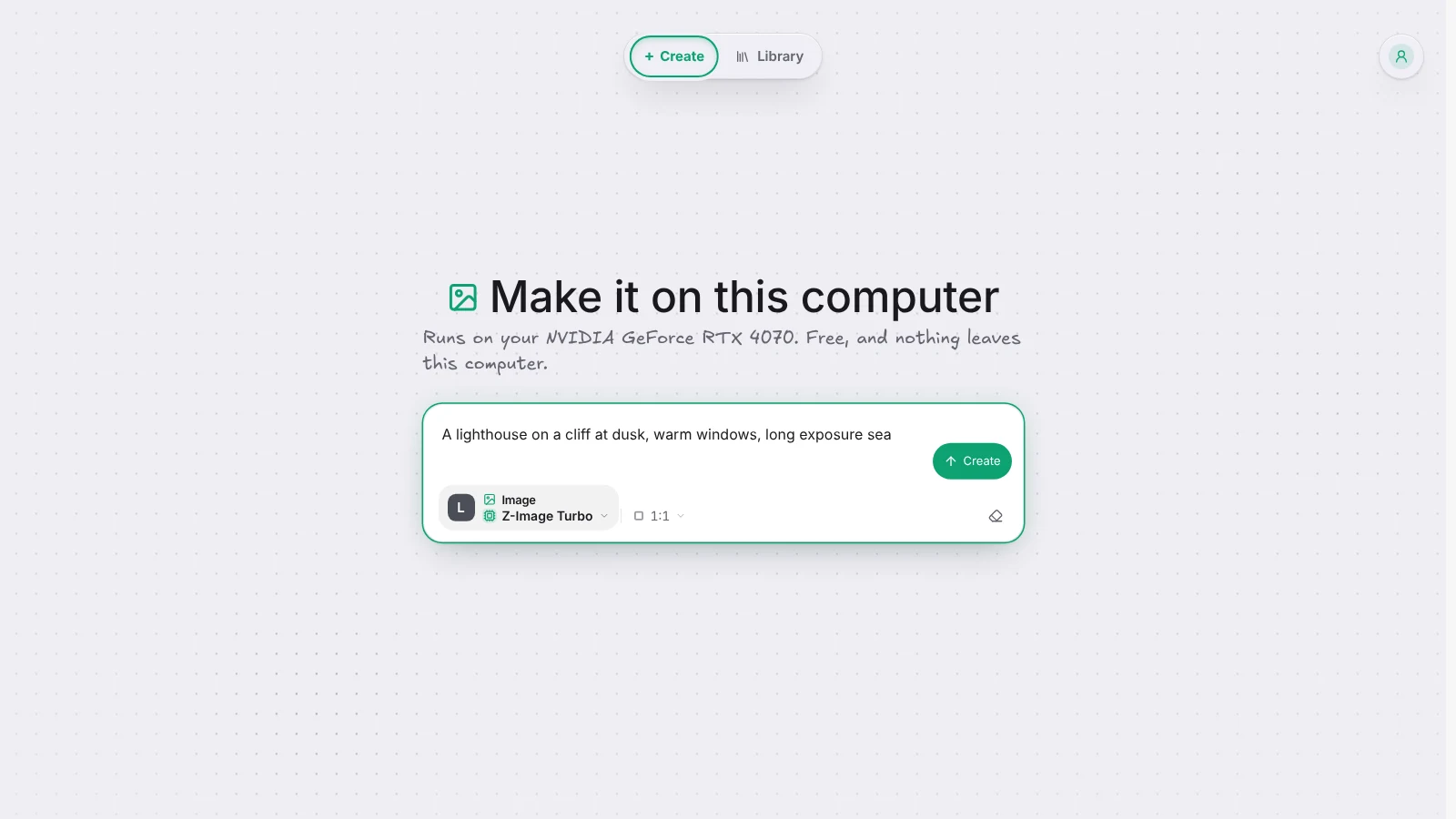
Kuro Desktop has been a Mac app until now. Today there is a Windows version too: download the Windows installer or the Mac app, open it, and choose Continue without an account. Both update themselves from then on.
Pictures made by your own computer
Kuro Desktop can now make pictures on your own graphics card, with nothing to pay and nothing sent anywhere. It comes with stable-diffusion.cpp built in, the open engine that runs image models on Macs and on NVIDIA, AMD and Intel cards.
Without an account and without a provider key, Create opens on Images with Z-Image Turbo, a fast open model under the Apache 2.0 licence. The first time, Kuro offers to download it: about 6.7 GB, once. After that, write a prompt, pick a format, and press Create. The picture lands in your Library on this computer like any other.
If you have a key too, Z-Image Turbo sits in the model picker under On this computer, beside the models your key can run.
What your computer needs
A recent graphics card is what makes it quick: Kuro names the card it found under the composer. A computer with no graphics card Kuro can use still works, on the processor, but a picture can take several minutes. To free the space later, open the format chip and press Remove from this computer.