Update ·
Your own models, set like Kuro's
A model you add from Replicate, fal or Siray now shows format, length, quality and sound the way Kuro's own models do, with every other setting under More.
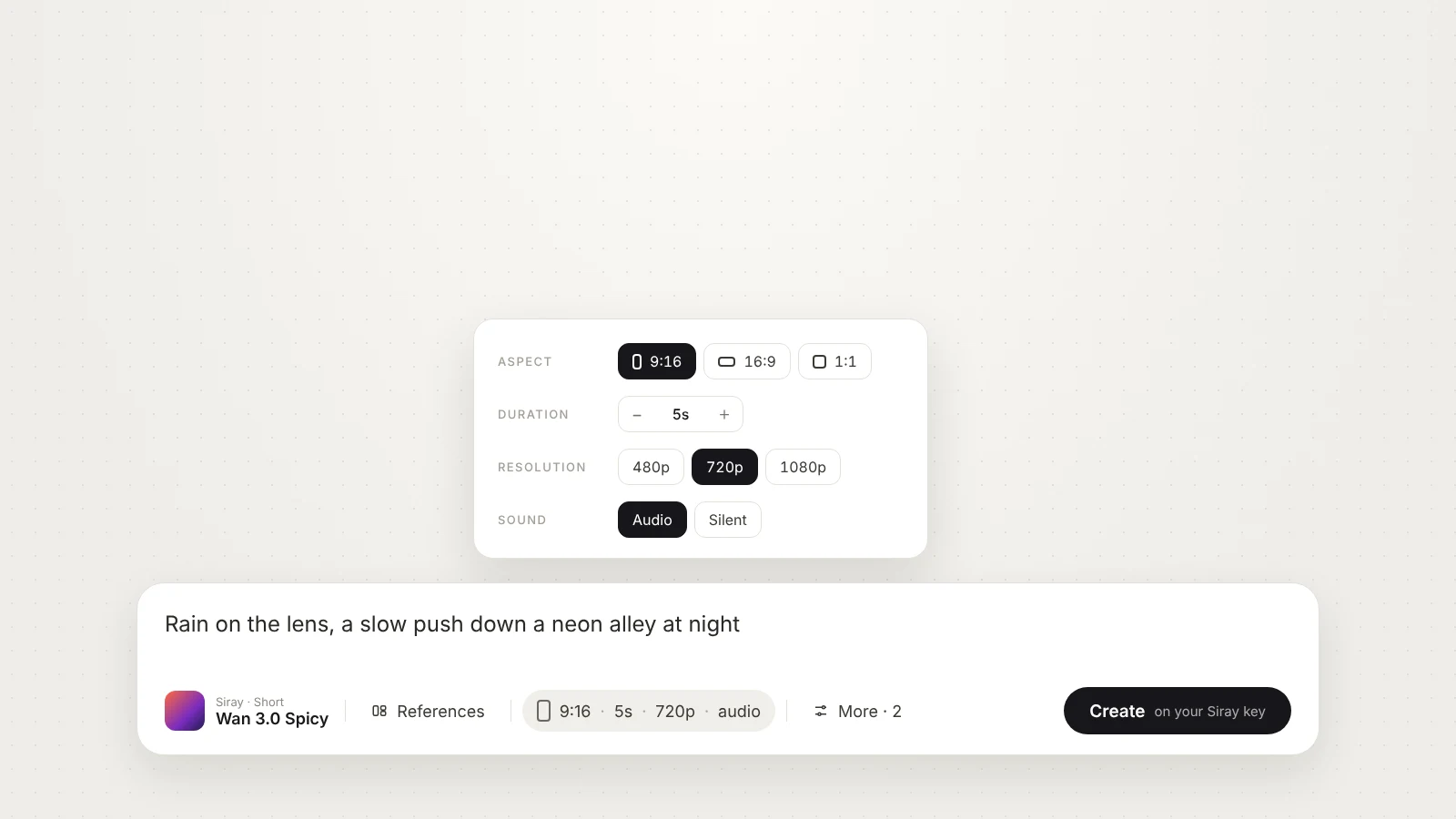
When you add a model to your own Replicate, fal or Siray key, Kuro reads the settings the vendor publishes for it. Until today those all sat behind one chip as a plain list of fields, under the vendor’s own names, so a clip model’s format and length looked nothing like they do on Kuro’s own models.
Format, length, quality and sound, where you expect them
The settings Kuro’s own models have now get Kuro’s own chip in /create. Format shows each ratio with its frame shape, length is a stepper or a row of seconds, quality is a row of resolutions, and sound is Audio or Silent. Required settings start at sensible values, vertical 9:16 and five seconds where the model offers them, so a press works the first time.
Everything else the model takes is under More, and it now has real editors. A list of LoRAs is a set of rows you add and remove, a size the model lets you choose is a width and a height, and a list of words is a set of chips.
You decide which setting is which
When you add a model in Settings → Provider keys, Kuro proposes which of its settings are format, length, quality and sound. You can change any of them, or leave a setting under More. Models you added before today are drawn with Kuro’s proposal.
Siray models come as one family
Siray publishes many models as separate text, image and reference versions. Paste any one of them, for example alibaba/wan-3.0-ref2v-spicy, and Kuro adds the whole family as one model with Text, Start & end and References modes, the same way it already does for fal and Higgsfield.