Update ·
Send your photos to Kuro from any chat
When an assistant can’t upload your picture, it hands you a link to send photos from your phone or computer, and finished pictures now show in the chat at once.
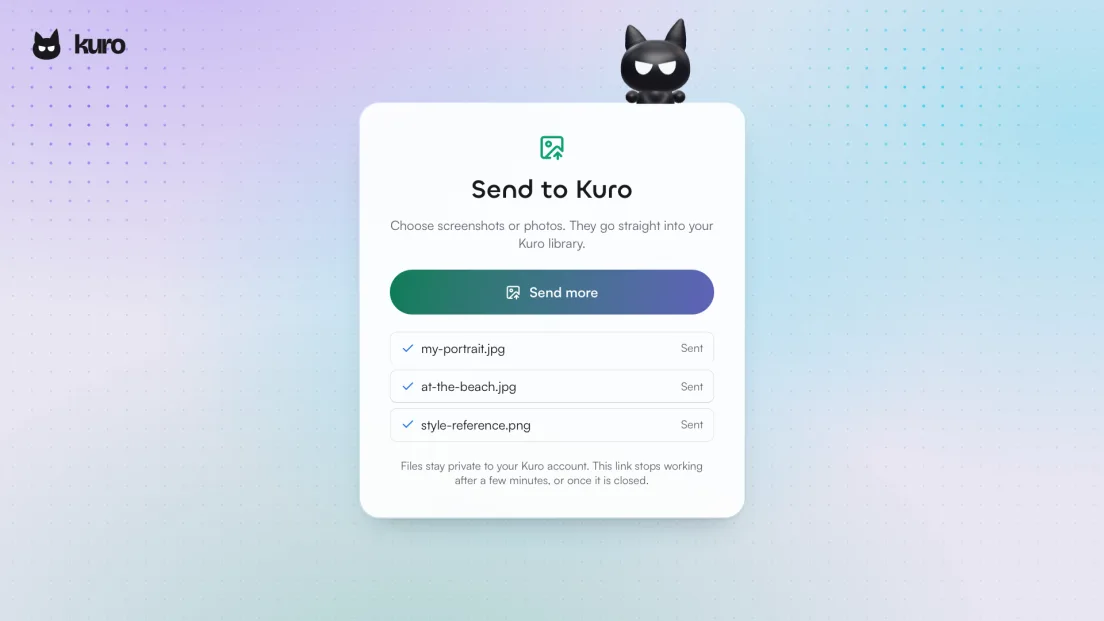
Some assistants can’t pass a picture you drop into the chat on to Kuro. Until now that meant your photo never arrived, and the result was drawn from a description instead of from you. Now, when Claude, ChatGPT or another assistant connected to Kuro can’t send your picture itself, it gives you a link.
Tap the link, choose your photos
The link opens a small Send to Kuro page on whatever device you’re holding. Choose photos or screenshots from your phone or computer, and they go straight into your Kuro library, ready for the assistant to use. You don’t need to sign in on that device. The link takes up to ten files and stops working after a few minutes.
The finished picture, in the same card
When a picture is quick to make, the card in your chat now shows it finished in the same step that started it. Your assistant no longer has to come back and check on it, so you see the result sooner.
A recipe when one fits
When your assistant picks a model, it now also looks for a catalog recipe made for that job, such as a product shot or a character sheet, and suggests it. The assistant inside Kuro now chooses its models from the benchmark too: the best model for a picture, and for a clip the tier you picked.